Configuring Taobao Login
# Overview
This section describes the configuration process for the Taobao login feature. After configuring and integrating the Taobao authentication source on the IDaaS platform, refer to this module to configure Taobao authentication login for various application systems.
# Prerequisites
- Have administrator privileges for the IDaaS Enterprise Center platform.
- The application has been integrated on the IDaaS platform.
- The Taobao authentication source has already been configured on the IDaaS platform.
# Steps
# Configuring Taobao Authentication for an Application
Log in to the IDaaS Enterprise Center platform. In the top navigation bar, select "Resources > Applications". Taking the User Center application as an example, select "User Center", switch to the "Login Configuration" tab, scroll down to Taobao, and enable the previously added Taobao authentication source.
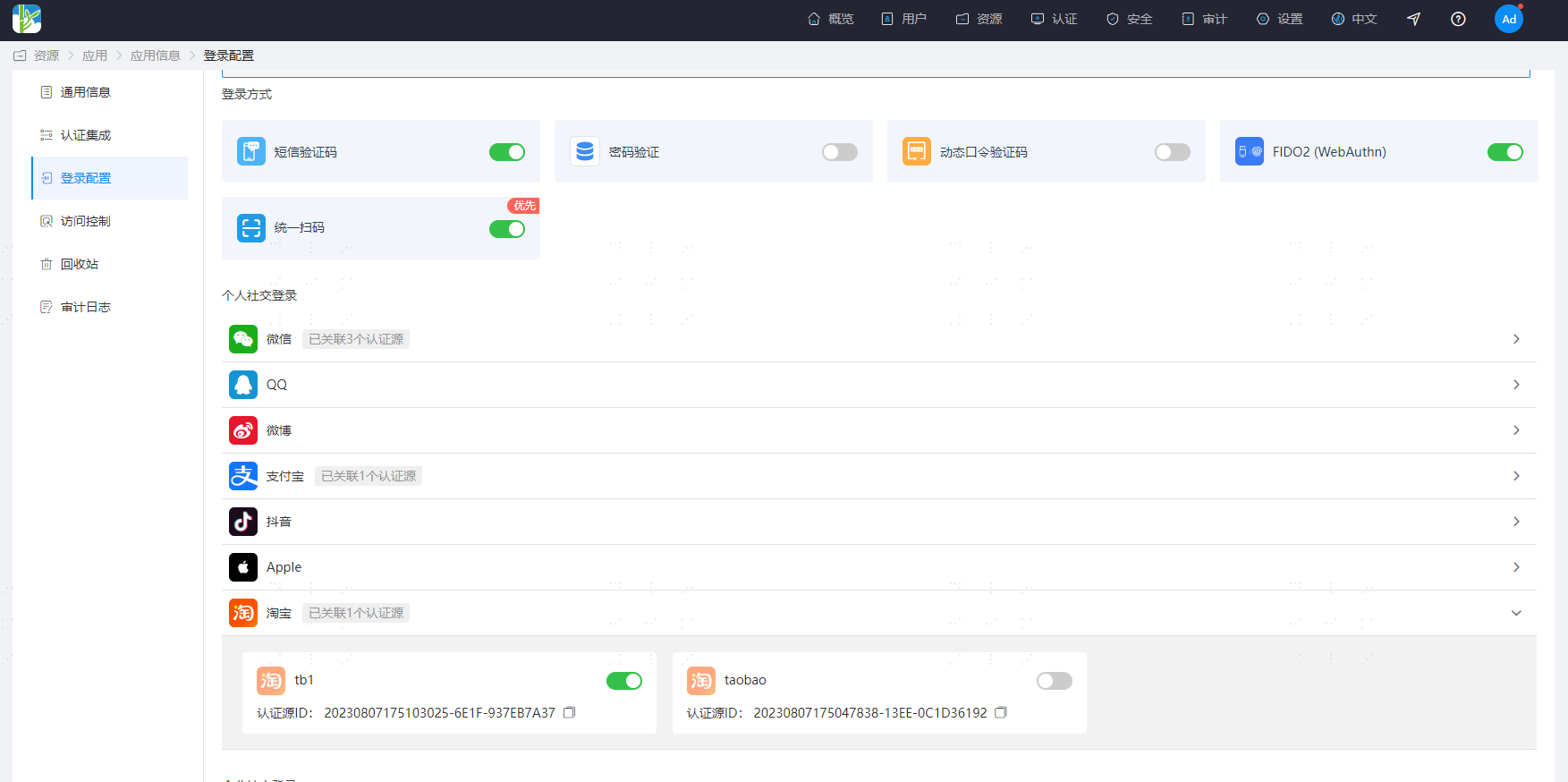
Multiple Taobao authentication sources can be configured, but only one Taobao authentication source can be used for login. That is, only one Taobao authentication source can be enabled for an application.
# Verifying Taobao Login
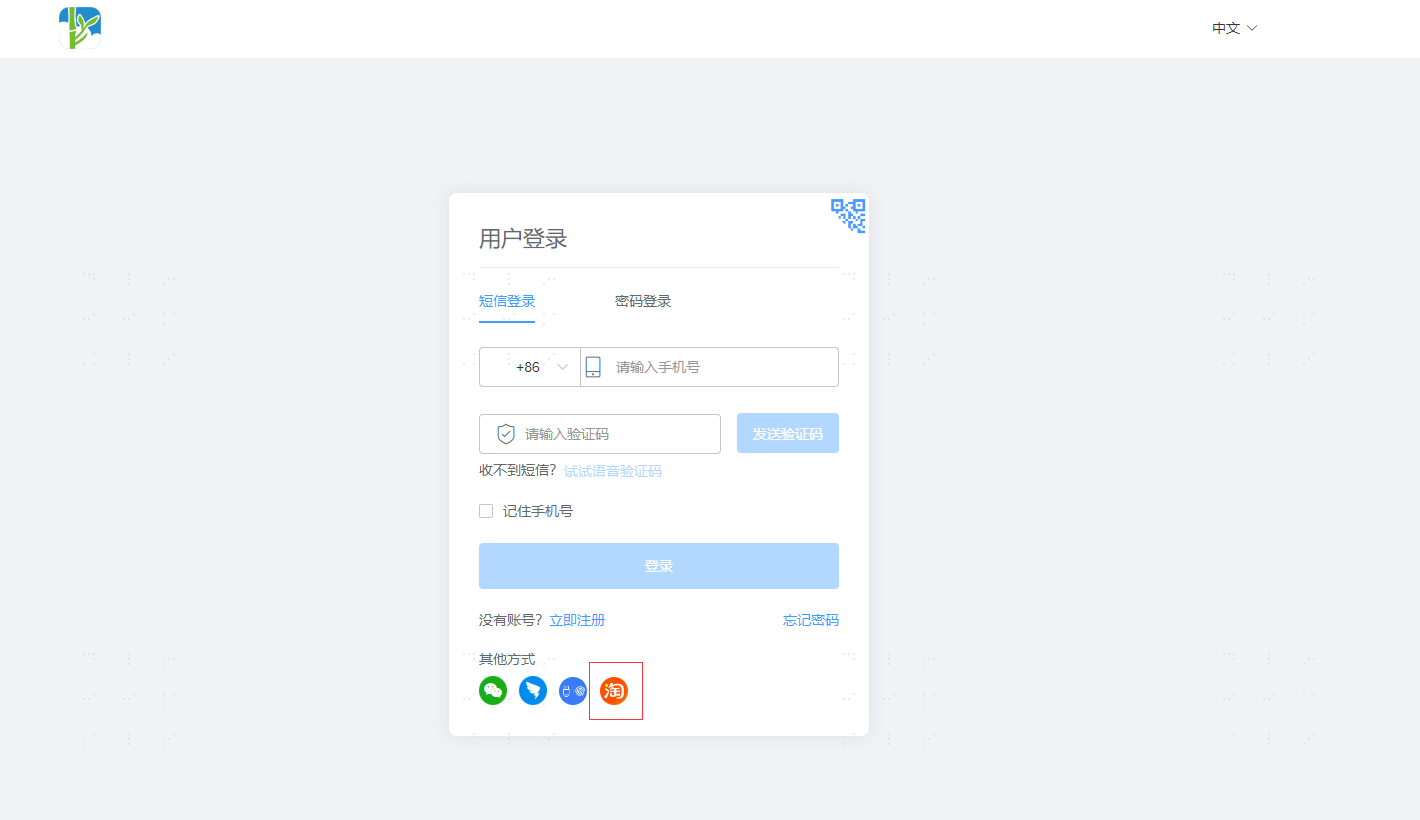
Access the User Center. On the application system login page, select Taobao Login.
After redirecting to Taobao, you can choose to enter your Taobao username and password or use the mobile Taobao app to scan the QR code for login.
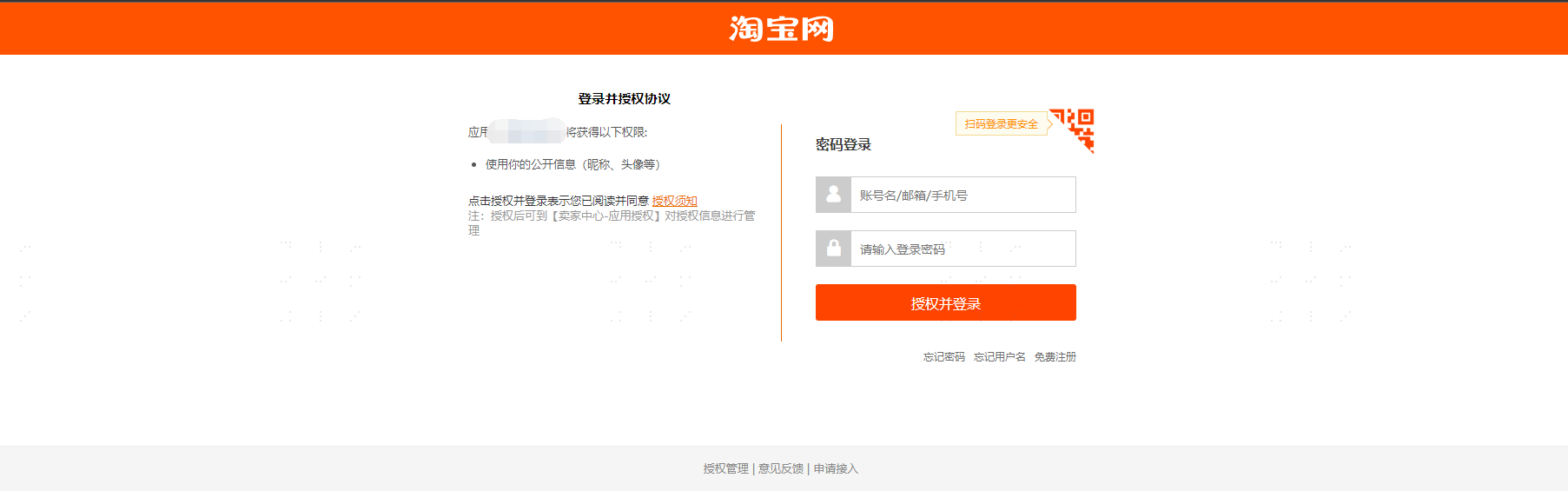
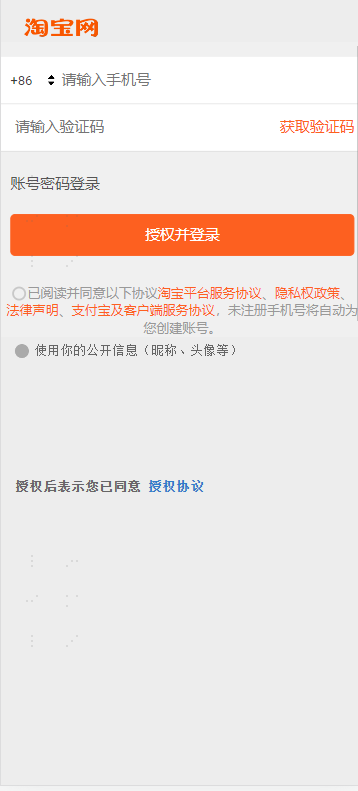
The page style may differ slightly when using Taobao login on a PC browser versus a mobile browser.
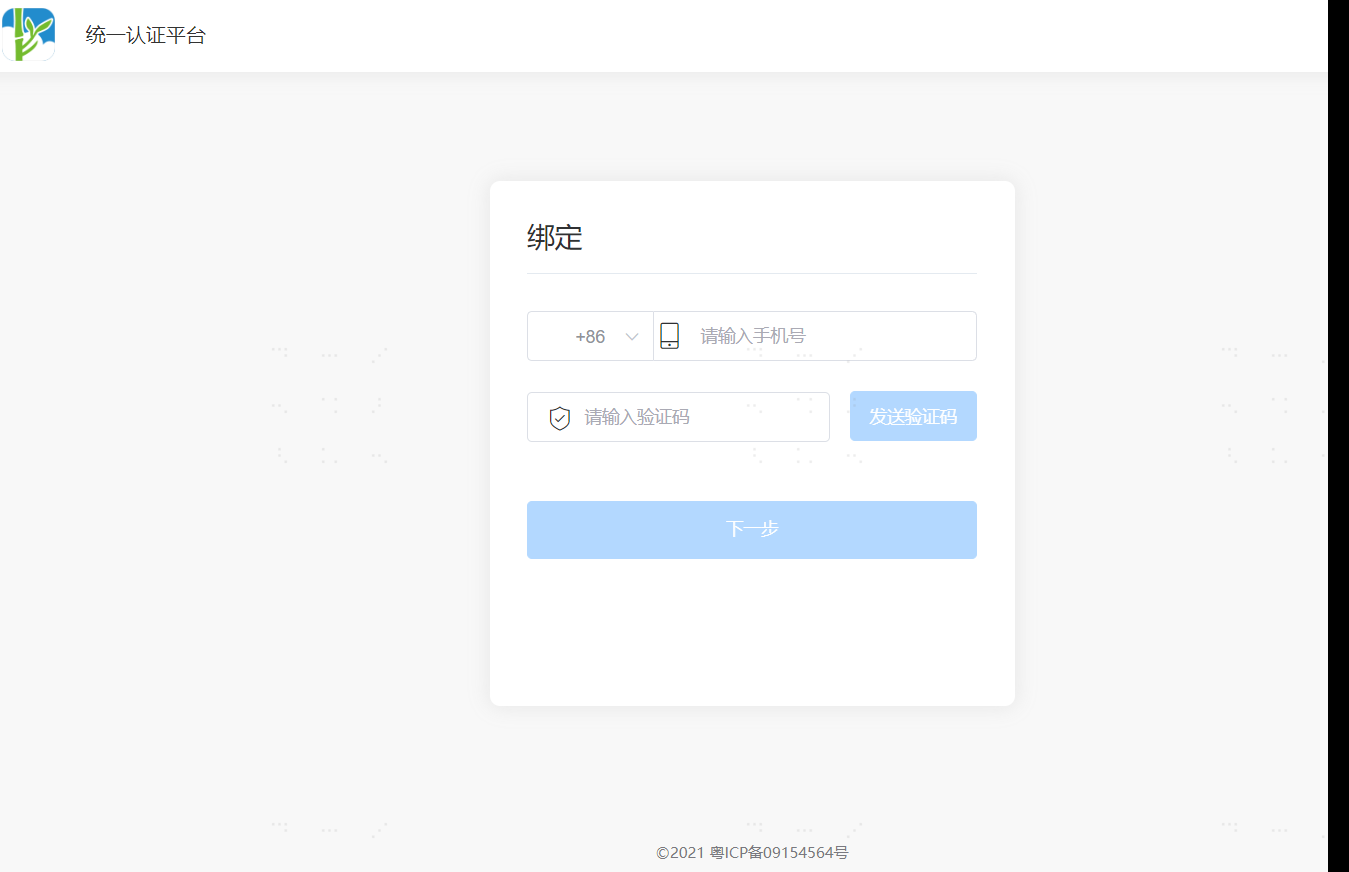
If the Taobao account is already bound to a user, the system will automatically recognize the bound user and log in successfully. If it is the first time logging in, you need to complete the binding or registration process according to the authentication source configuration.