Configure Unified Scan Code Authentication
# Overview
This article describes how to log in to application systems integrated with the IDaaS platform through unified scan code authentication. You can configure a unified scan code authentication source in the IDaaS platform and select a specified scan method on the login page to log in to various application systems, thereby achieving single sign-on.
# Prerequisites
- Have administrator privileges for the IDaaS Enterprise Center platform.
- Applications have been integrated into the IDaaS platform.
# Configuration Process

# Steps
# Configure Unified Scan Code Authentication Source in IDaaS Platform
Common scan code functions are provided by QQ, Weibo, and WeChat platforms. Therefore, configuring a unified scan code authentication source in the IDaaS platform relies on the scan code-related authentication sources from QQ, Weibo, and WeChat.
Log in to the IDaaS Enterprise Center. In the top navigation bar, select "Authentication > Authentication Source Management > Personal Social Authentication". Refer to Configure QQ Authentication Source and Configure Weibo Authentication Source to configure authentication sources with the login scenario set to PC Browser Scan Code Login respectively. Refer to Configure WeChat Authentication Source to configure an authentication source with the login scenario set to Official Account Authorization Login.
You can choose to configure any one or more of the above three authentication sources based on actual needs, but at least one authentication source must be configured.
# Configure Unified Scan Code Authentication for Applications
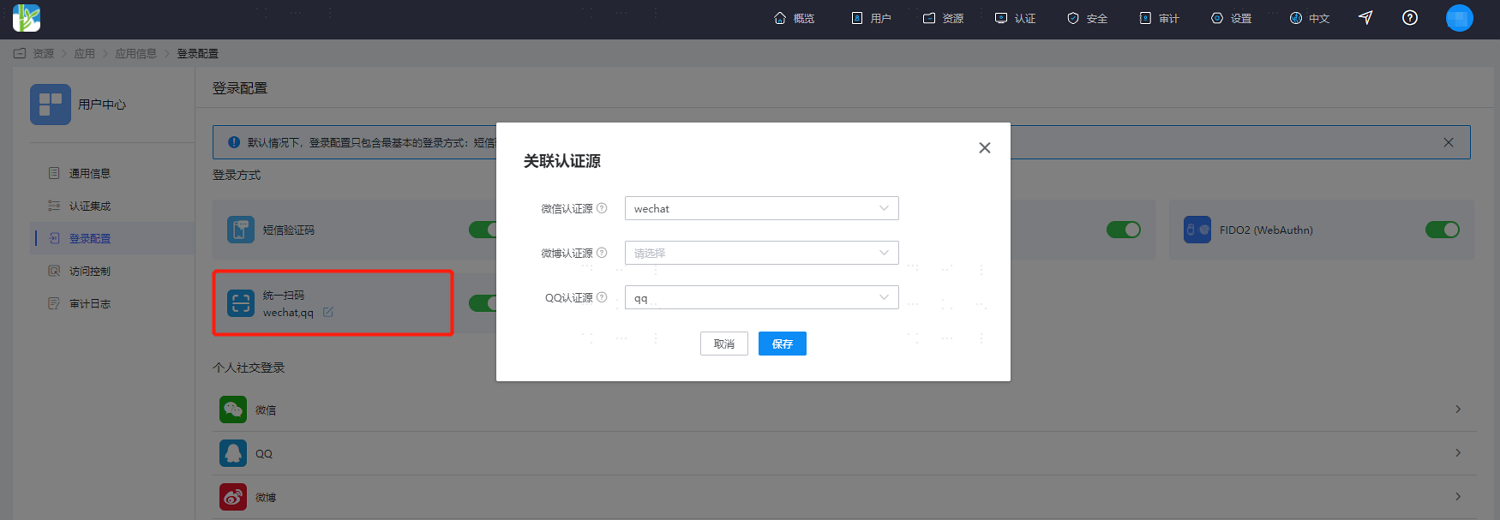
In the IDaaS Enterprise Center platform's top navigation bar, select "Resources > Applications". Taking the User Center application as an example, select "User Center", switch to the "Login Configuration" tab, enable the unified scan code switch, and associate the corresponding configured authentication sources. At least one must be associated.
# Verify Unified Scan Code Authentication Login
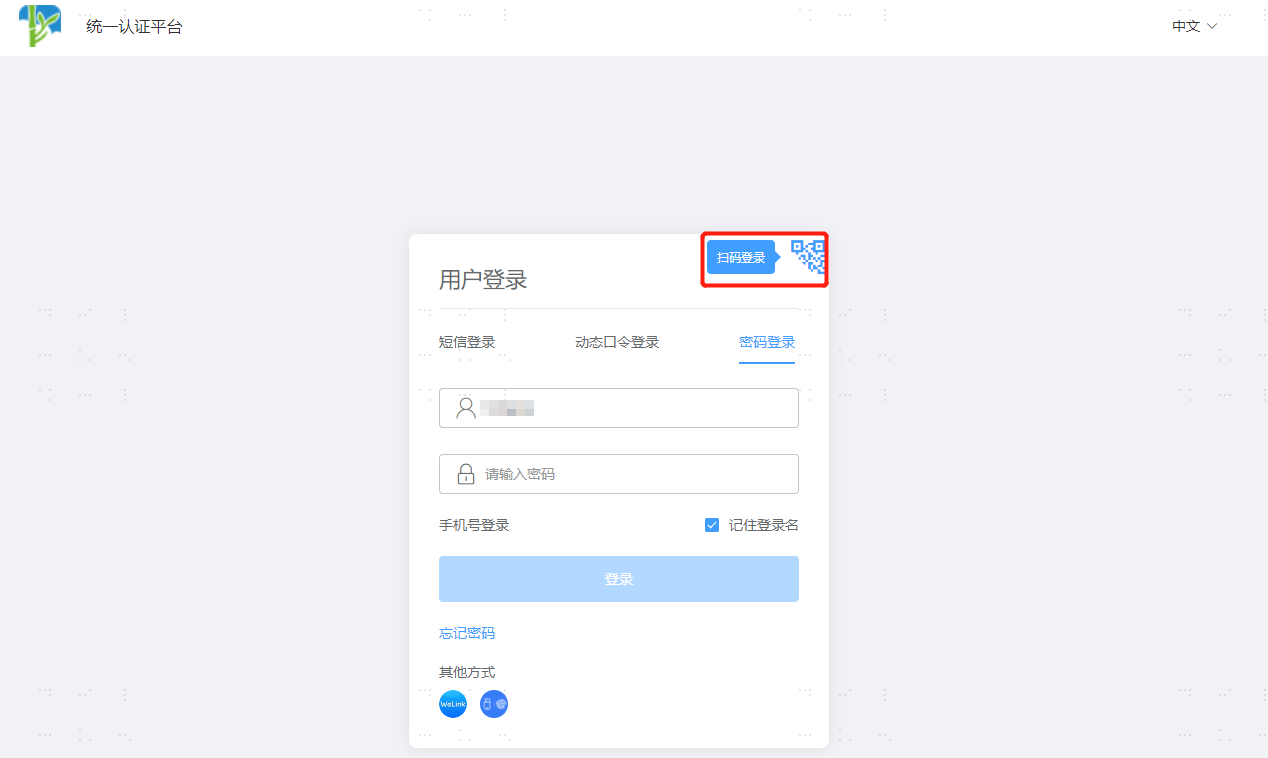
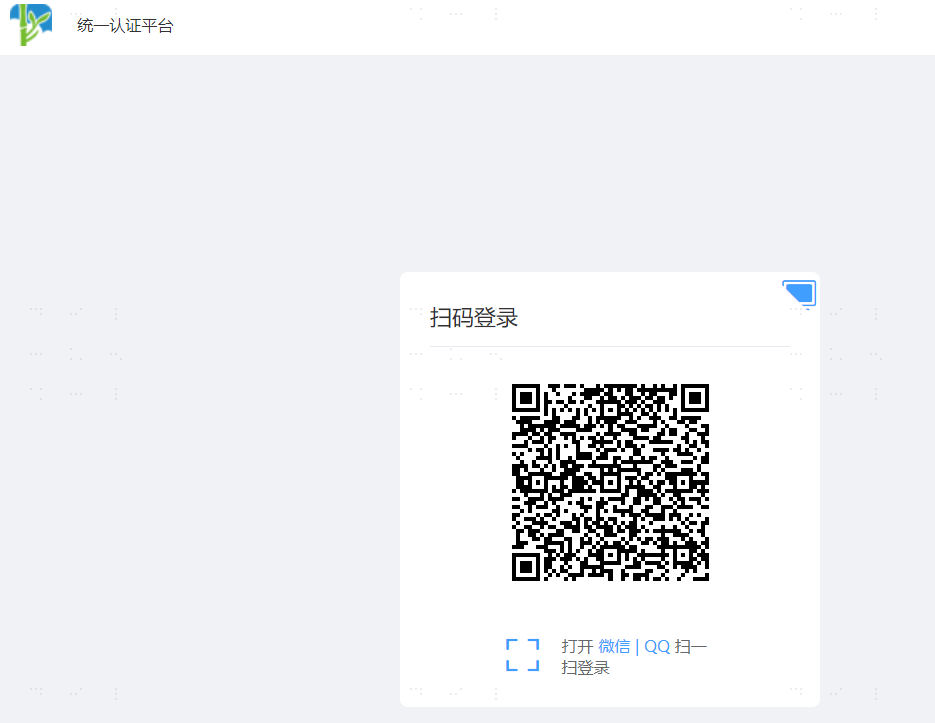
On the User Center login page, select the scan code login option in the upper right corner, and use the relevant APP to scan the code to log in.