
Yonyou NC6.5 Single Sign-On
Single Sign-On SSO
# Description
This document describes the authentication configuration between Yonyou NC6.5 and IDaaS to achieve IDaaS Single Sign-On for the Yonyou NC6.5 lightweight client (Web client) and heavyweight client (desktop client).
# Authentication Configuration
# IDaaS Configuration
Log in to the IDaaS Enterprise Center and add the pre-integrated application 【Yonyou NC】.
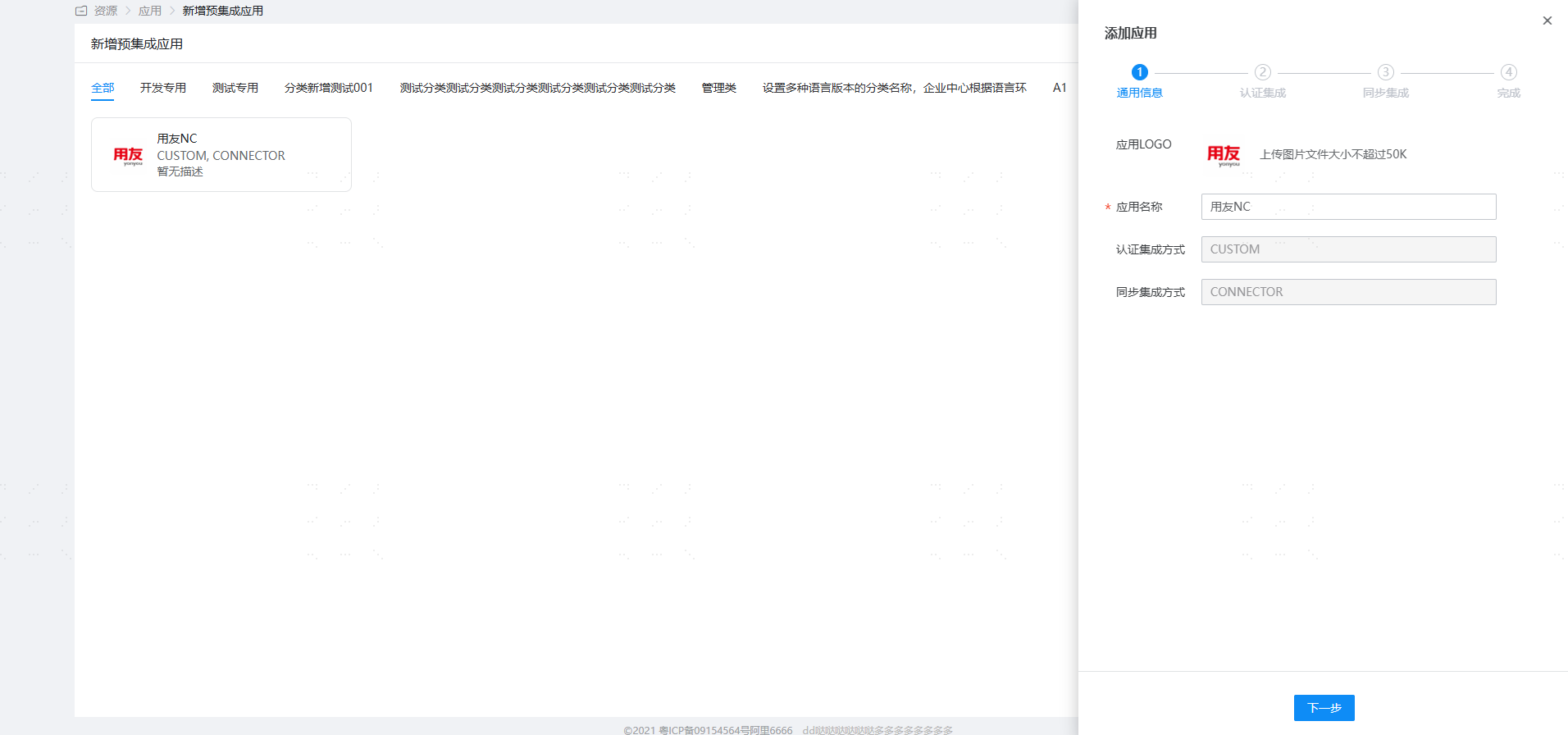
Configure authentication parameters.

Parameter Description NC Get ssokey URL http://host:port/service/ssoRegServlet NC Login Page URL Lightweight client (web client) URL: http://host:port/login.jsp
Heavyweight client (desktop client) URL: Uclient://start/http://host:port/?uiloader=nc.login.sso.ui.SSOLoaderNC Get ssokey URL: The NC system provides a Servlet for registering user login information. The URL format to access this servlet is generally: http://host:port/service/ssoRegServlet, which can be followed by multiple parameters, as shown below:
- userCode: Specifies the user code. IDaaS automatically appends the username to the
userCodeparameter in the NC Get ssokey URL, so this parameter does not need to be carried. - busiCenter: Specifies the account set code to which the user belongs. This value can be omitted. If omitted and the
userCodeuser exists in multiple account sets, the end-user will be prompted to select an account set. - groupCode: Specifies the group code for login. This value can be omitted.
- langCode: Specifies the language for login. This value can be omitted and defaults to Chinese.
- userCode: Specifies the user code. IDaaS automatically appends the username to the
# Login Verification
Open Yonyou NC6.5. It will redirect to the IDaaS login interface. Enter the authorized account login credentials to access Yonyou NC6.5.
