WPS Office/Kingsoft Docs Data Synchronization
# Description
This article introduces the data synchronization between Kingsoft Docs and IDaaS.
# Synchronization Configuration
# WPS Configuration
The preliminary steps refer to the first four steps of the authentication configuration in WPS Office/Kingsoft Docs Single Sign-On.
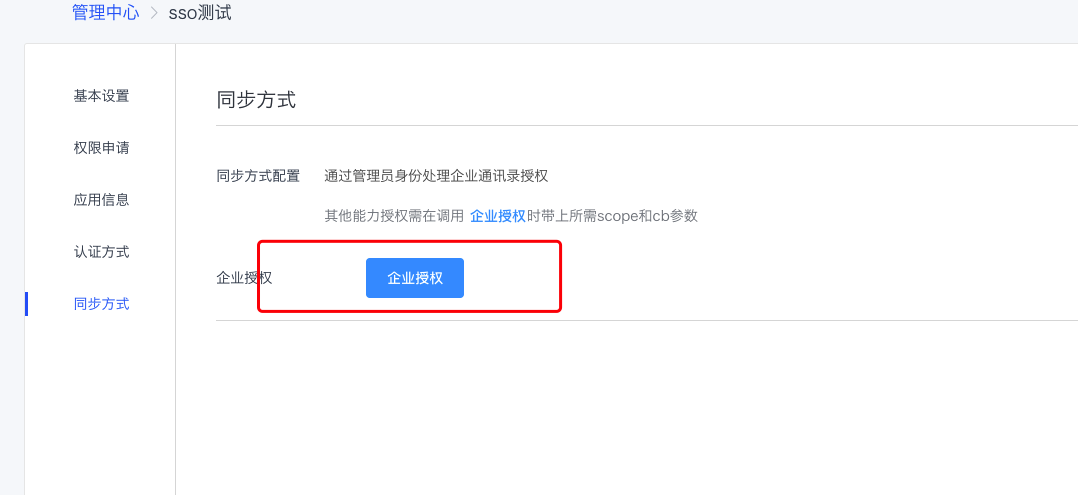
Perform enterprise authorization in the synchronization method, refer to Method 1 in the WPS Open Platform Enterprise Authorization Documentation (opens new window).
# IDaaS Configuration
The administrator logs into the IDaaS Enterprise Center, goes to Enterprise Center - Resources - Applications - Pre-integrated Applications - Add Pre-integrated Application, searches for WPS, and selects WPS Office Synchronization.
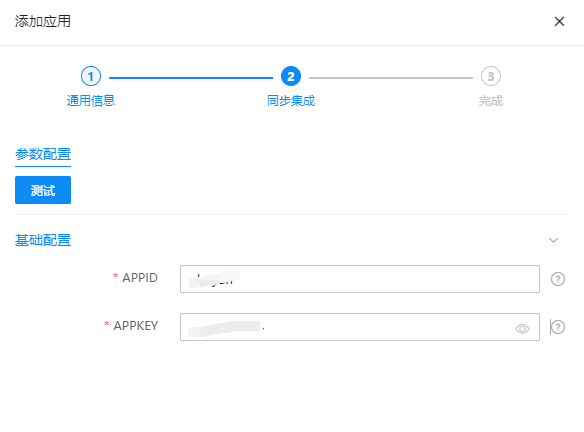
Configure synchronization parameters, enter the APPID and APPKEY of the WPS application.
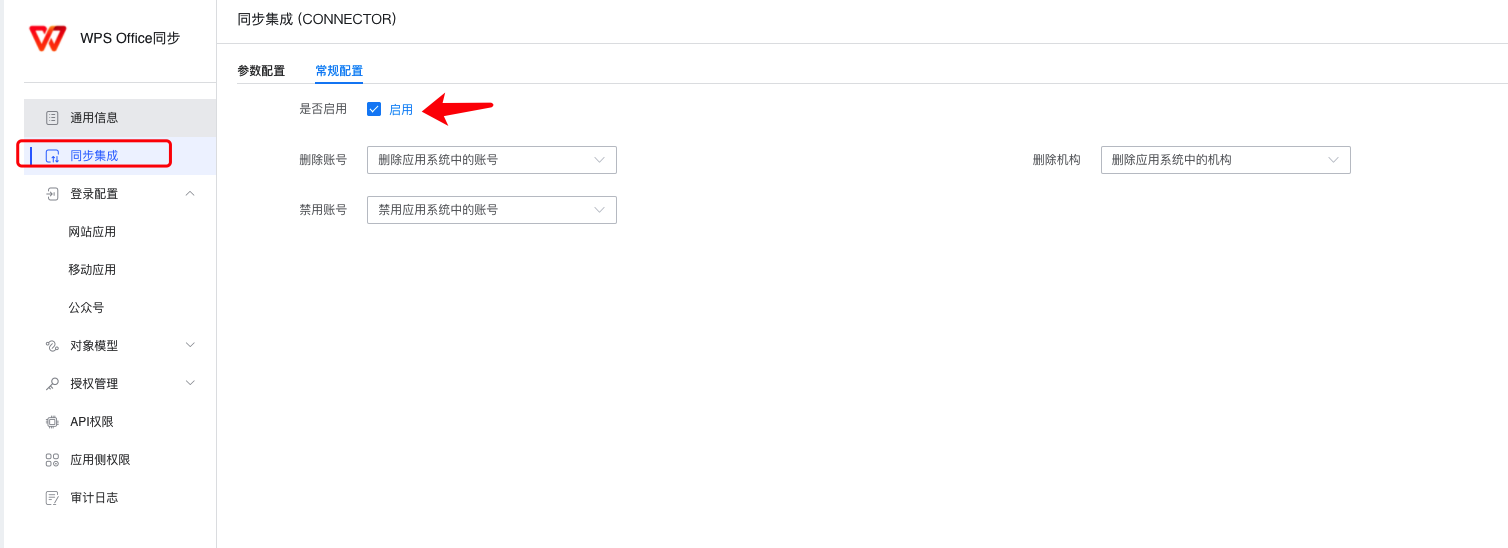
- Enter the application details, select Synchronization Integration, and enable Synchronization Integration.
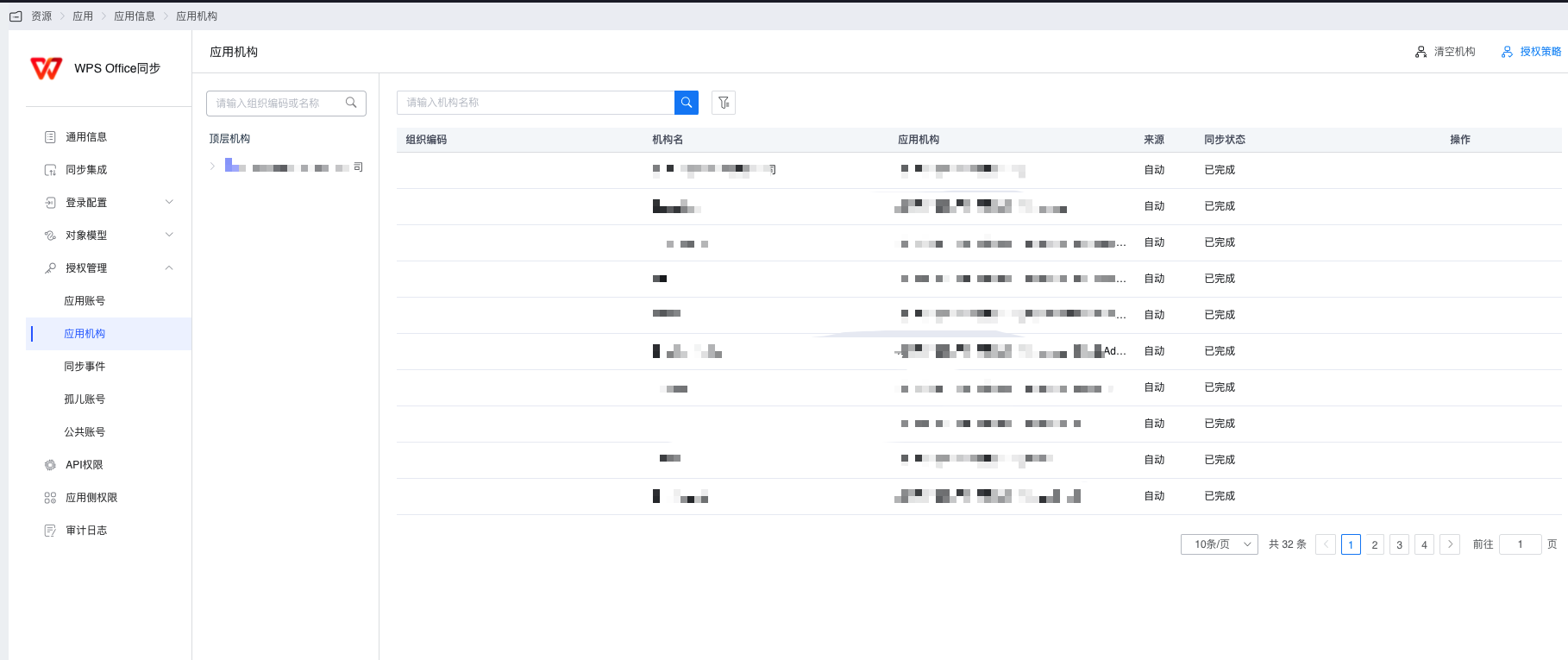
- Enter Authorization Management and synchronize the application organization.
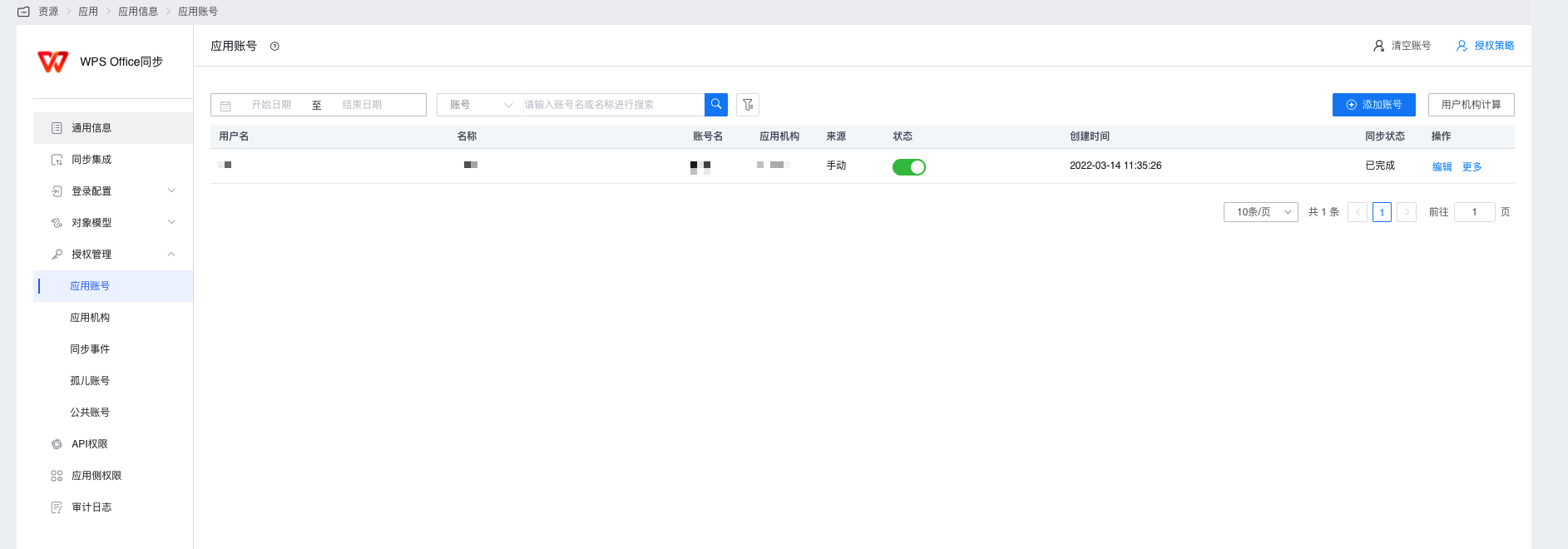
- Enter Authorization Management and synchronize application accounts.
- View synchronization records in Synchronization Events.
# View Synchronization Results
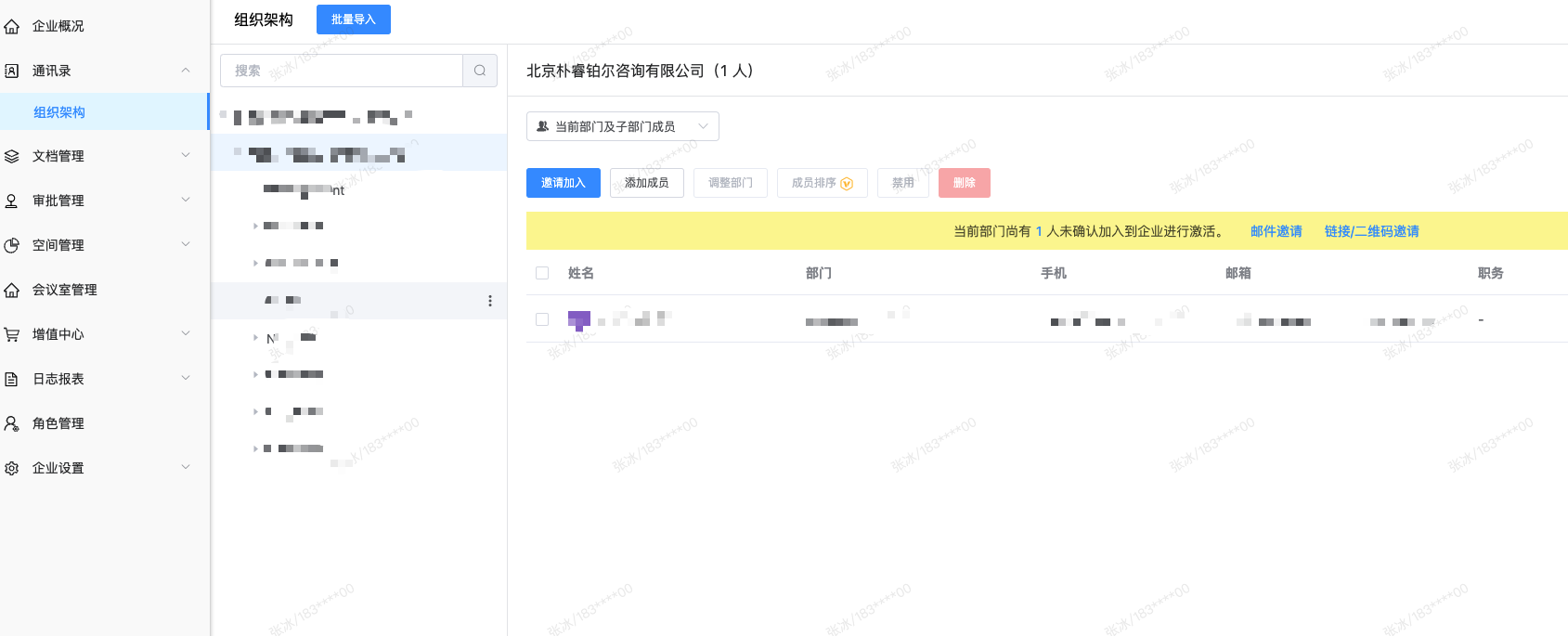
The administrator logs into the Kingsoft Docs Admin Console (opens new window).
View the Address Book - Organizational Structure.