SAP Cloud for Customer Single Sign-On
# Description
This article introduces the configuration process for Single Sign-On between SAP Cloud for Customer and IDaaS based on the SAML protocol.
# Authentication Configuration
# SAP Cloud for Customer Configuration
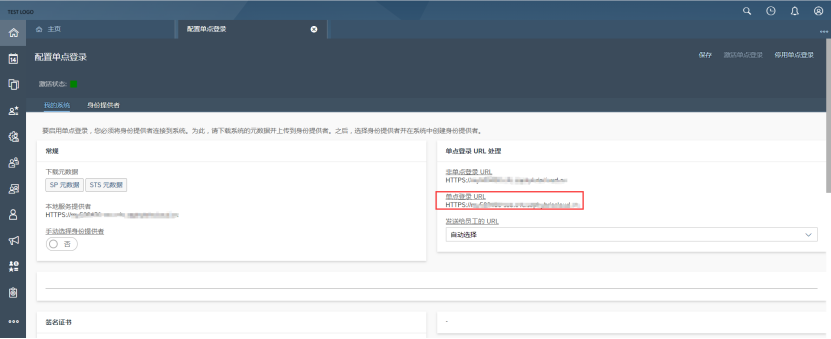
Administrator logs into the console, navigates to Administrator - Profile Tasks - Configure Single Sign-On.
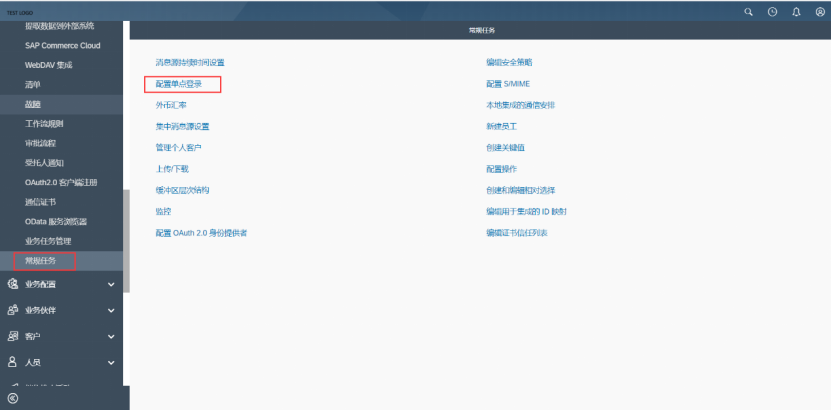
Click the SP Metadata button to download the SP metadata.
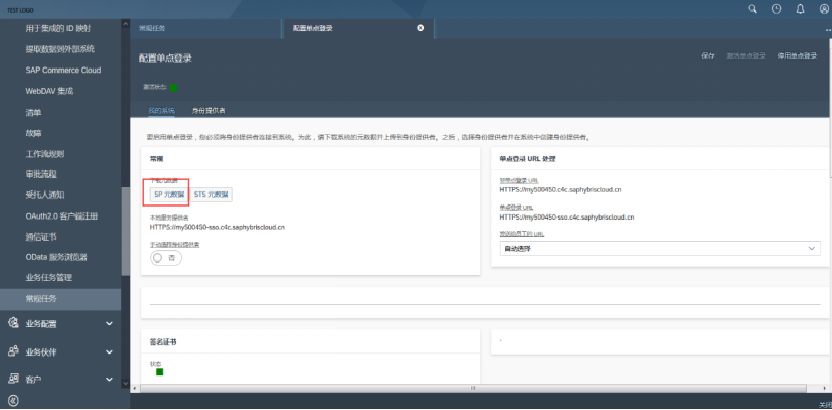
Click the Identity Provider tab, create a new identity provider. Here you need to import the IDP metadata. To download IDaaS's IDP metadata, please visit https://{your_domain}/api/v1/saml2/idp/metadata.

# IDaaS Configuration
Enterprise Center - Resources - Applications - Pre-integrated Applications - Add Pre-integrated Application, search for SAP, select SAP Cloud for Customer.

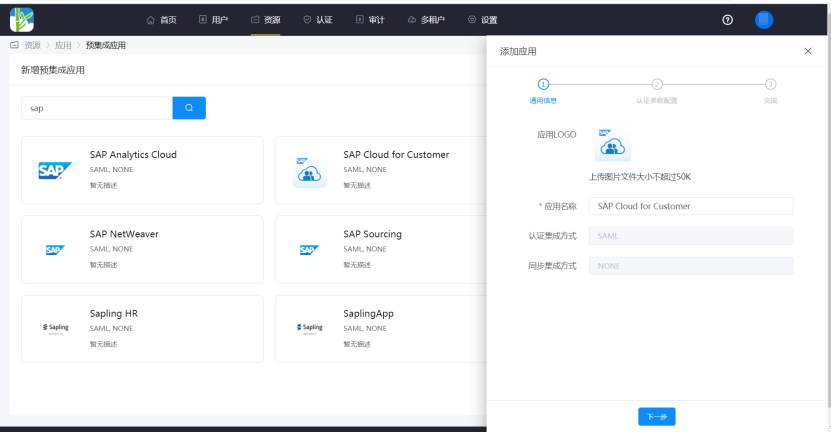
Authentication Configuration, import the SP metadata saved in the previous steps.


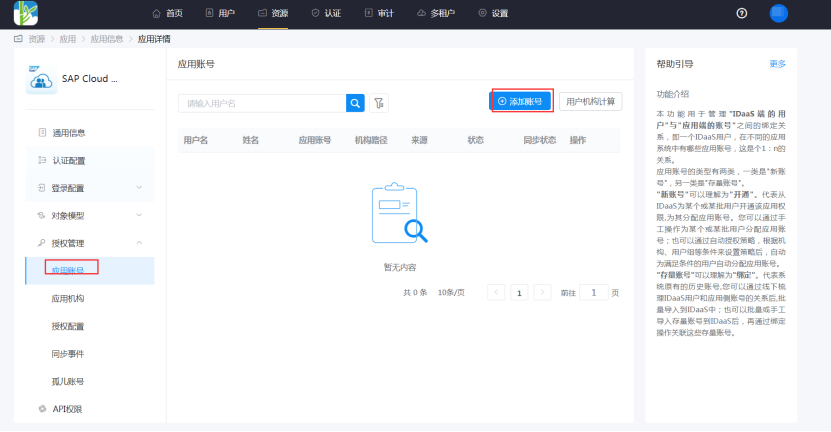
Go to Application Details - Authorization Management - Application Accounts, click the Add Account button, and select authorized users.
# Login Verification
There are two login methods as follows:
Initiate login from the SAP Cloud for Customer side. Accessing the Single Sign-On URL will automatically redirect to the IDaaS authentication interface. Enter the IDaaS username and password to log in.
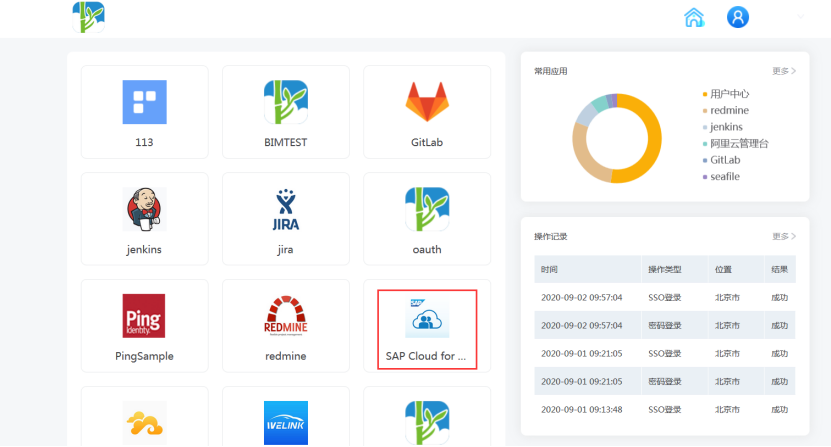
Log in through the IDaaS User Center, click the SAP Cloud for Customer logo to enter the application.