QiZhi Bastion Host Single Sign-On
Single Sign-On SSO
# Description
This document describes how to configure IDaaS to achieve single sign-on for QiZhi Bastion Host.
# Authentication Configuration
# QiZhi Bastion Host Configuration
- Add the IDaaS server egress IP 47.92.171.137 to the bastion host interface access whitelist.
- Restart the bastion host service after adding the whitelist.
# IDaaS Configuration
Add the pre-integrated application: QiZhi Bastion Host.
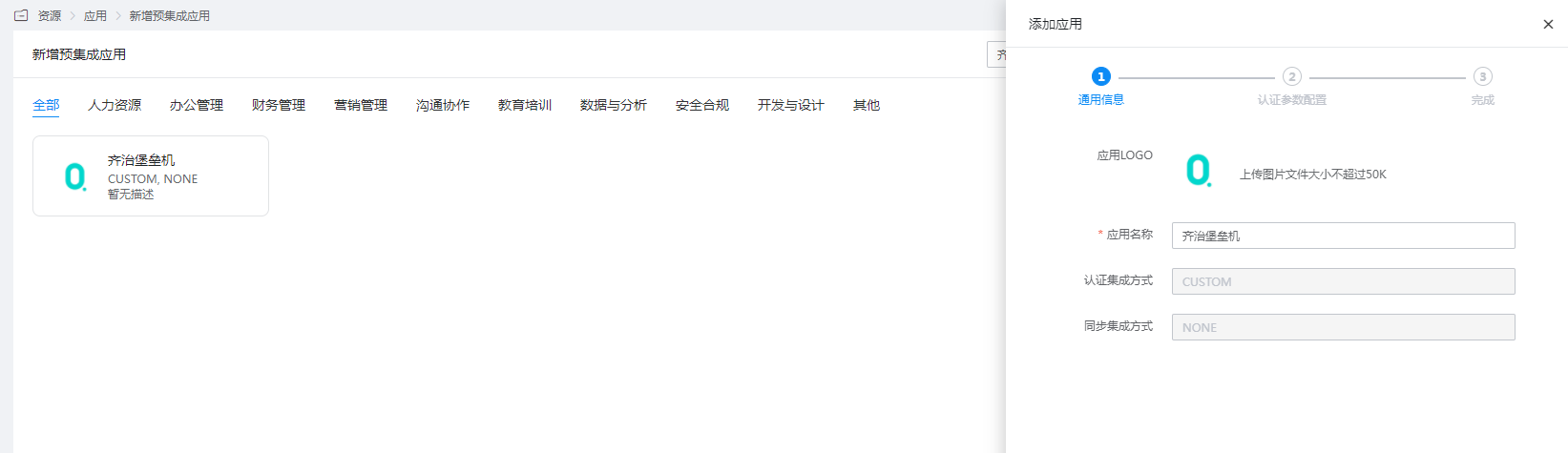
Configure Authentication Parameters

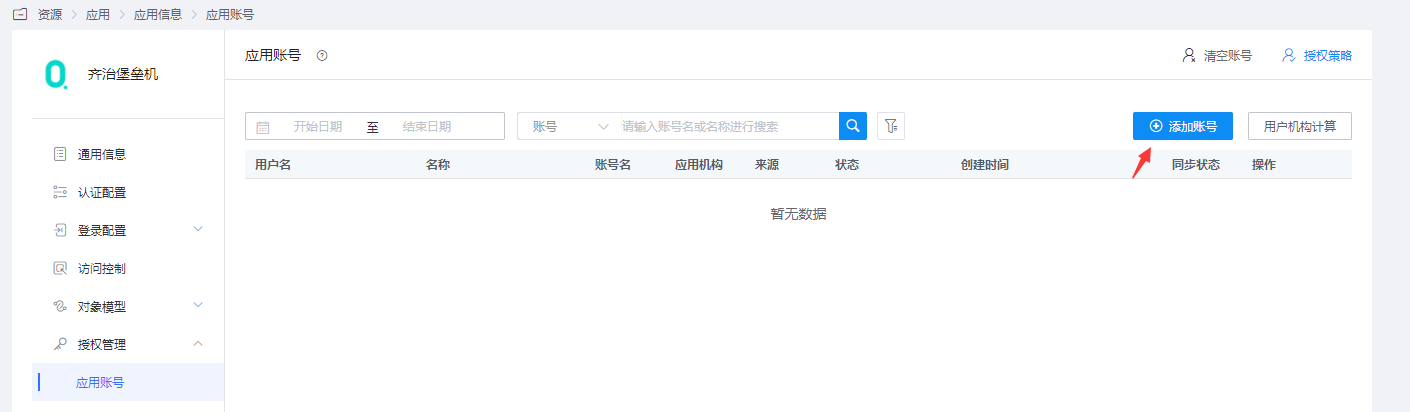
Parameter Description url Required. Bastion host access address, e.g., https://qizhibaoleiji.com. Use the IP address if there is no domain name. Include the port number if applicable. Account Required. Username with administrator privileges. Signature Key Required. Password for the administrator account. ip If the bastion host has an internal network firewall policy where all external request source IPs are NATed to a unified IP, fill in the NATed IP. Authorization Management - Application Accounts - Add Account. Navigate to Application Details - Authorization Management - Application Accounts, add an account, and set the account name to the bastion host username.
# Login Verification
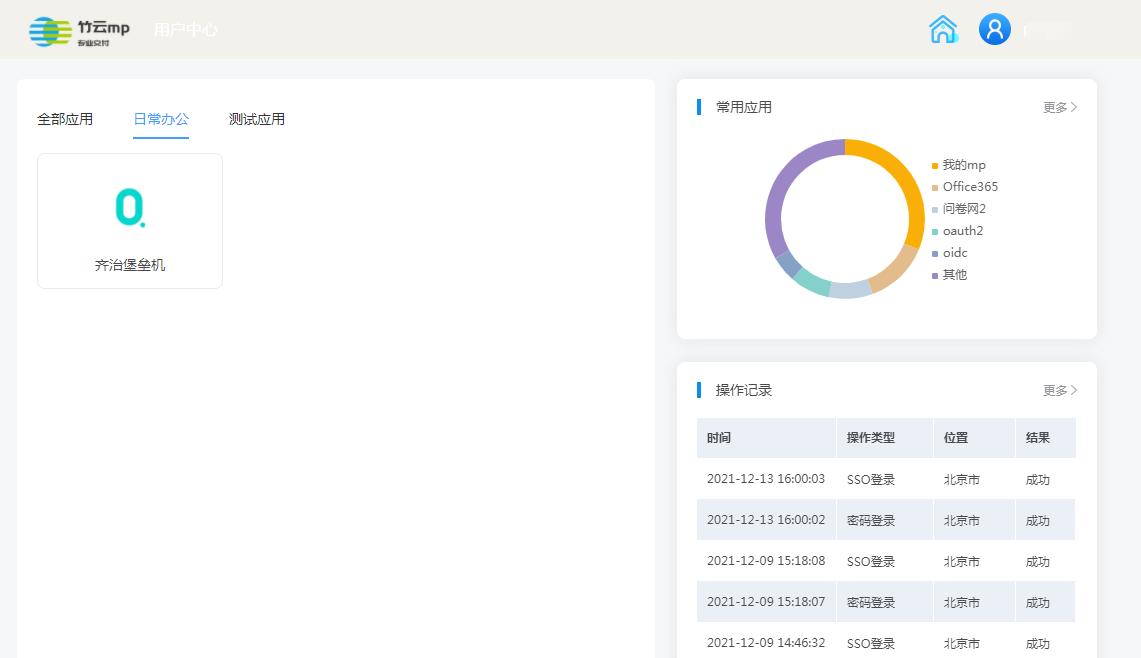
Authorized users log in to the user center, click on the QiZhi Bastion Host logo to perform single sign-on.