Odoo Single Sign-On
# Description
This document describes how to configure IDaaS and Odoo (version V10 and above) for authentication integration based on the OAuth Implicit Grant flow.
# Authentication Configuration
# IDaaS Configuration
Add the Odoo pre-integrated application.
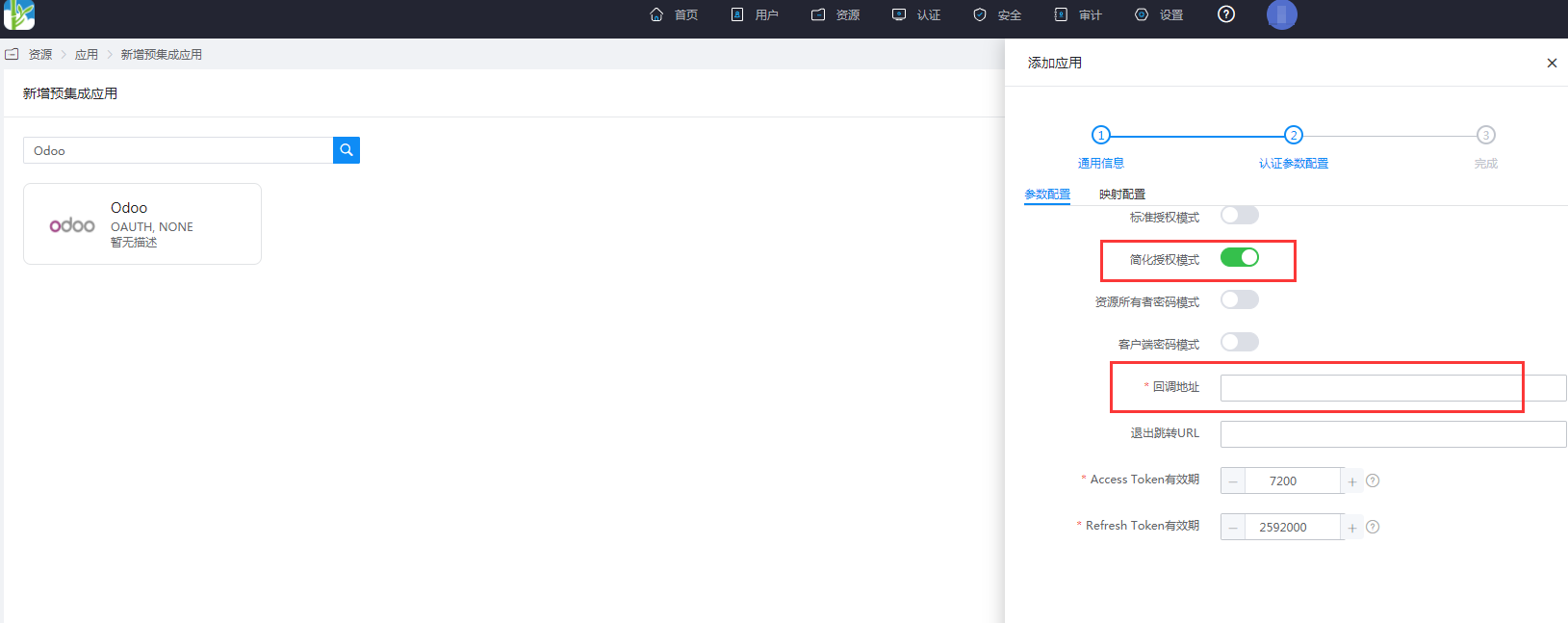
Configure authentication parameters: enable the Implicit Grant flow, and fill in the callback address as http(s)😕/your-odoo-domain/auth_oauth/signin.
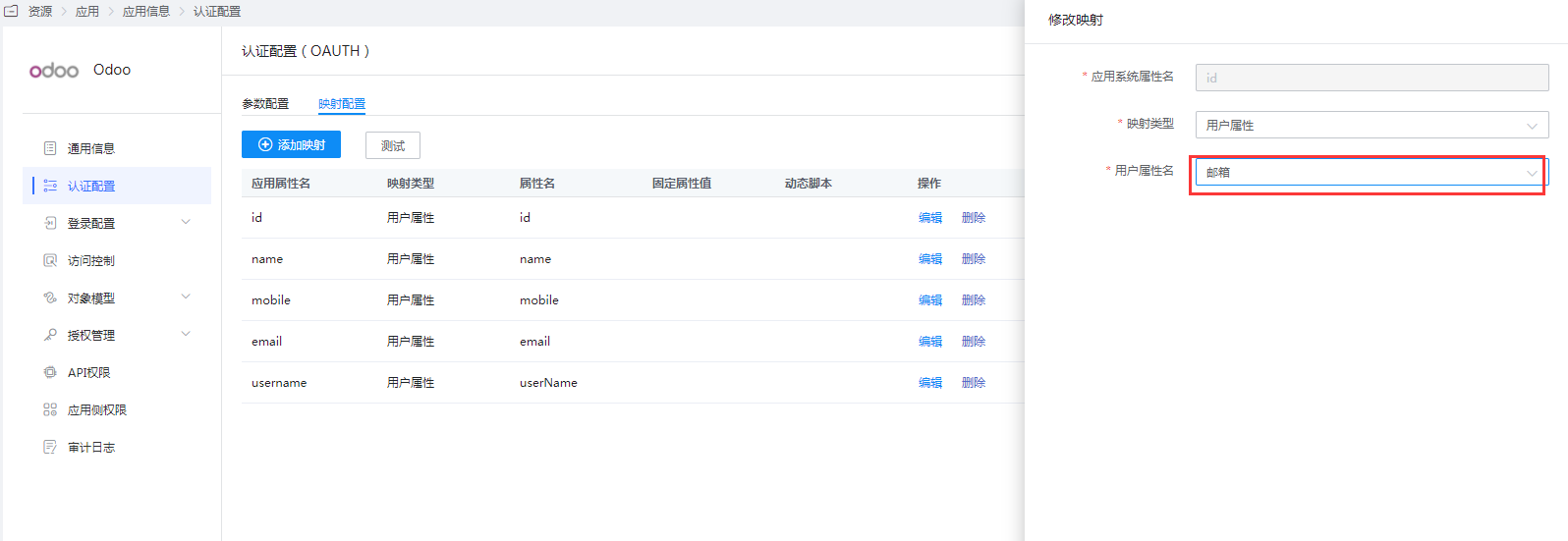
Go to Application Details -> Authentication Configuration, edit the mapping configuration, and modify the ID mapping.
Set this to the user's email attribute, which can be flexibly configured according to actual needs. This setting is to associate with the Odoo user.
Go to Application Details -> Authorization Management -> Application Accounts, click the "Add Account" button, and select the authorized user.
Obtain the application ClientId, which is needed for the Odoo configuration below.

# Odoo Configuration
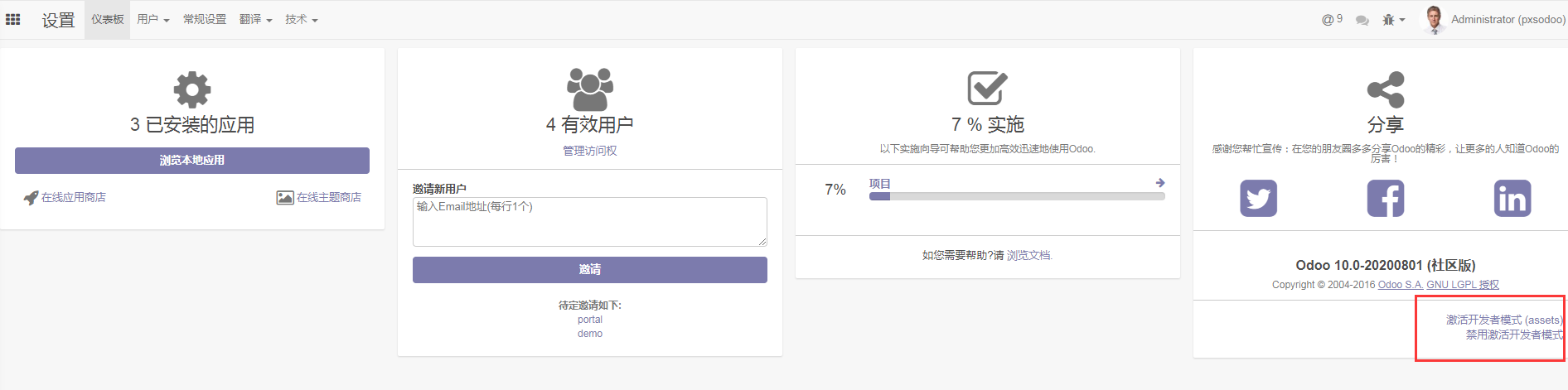
Log in to the Odoo backend as an administrator and activate Developer Mode.
Go to General Settings and enable External Authentication.
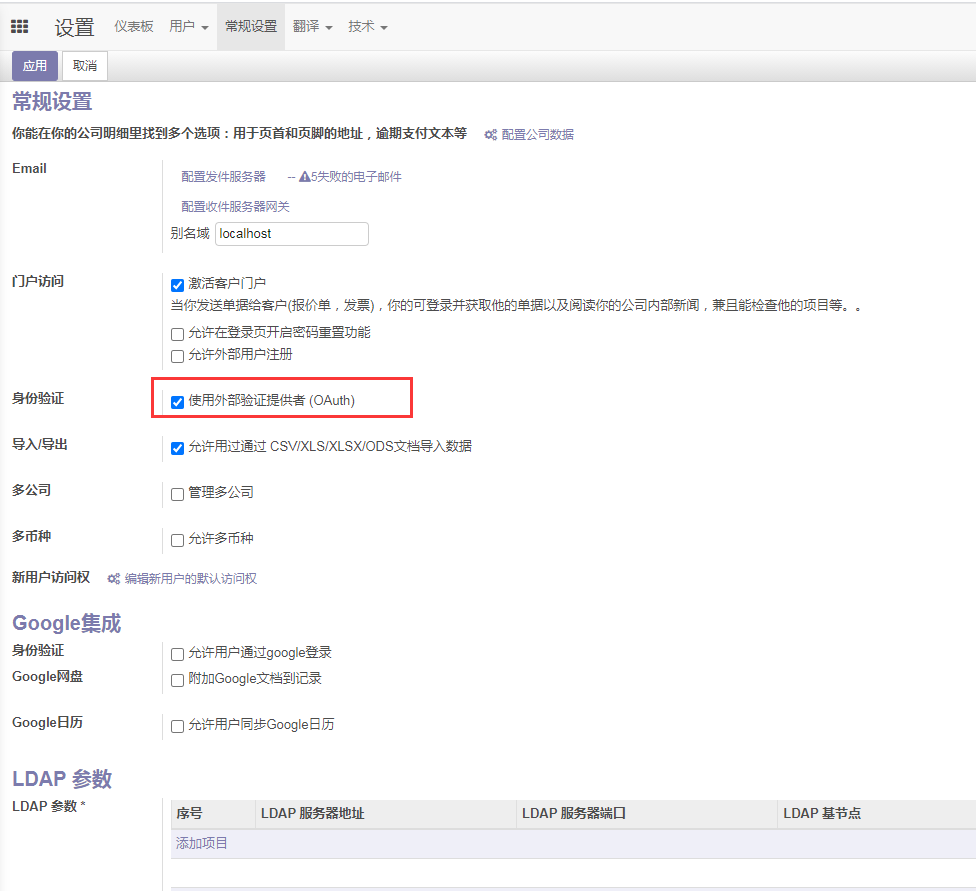
Go to Users -> OAuth Providers and create a new provider.
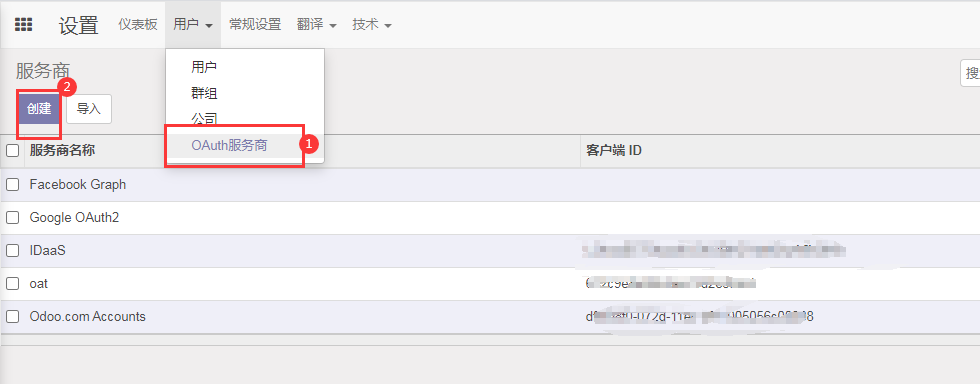
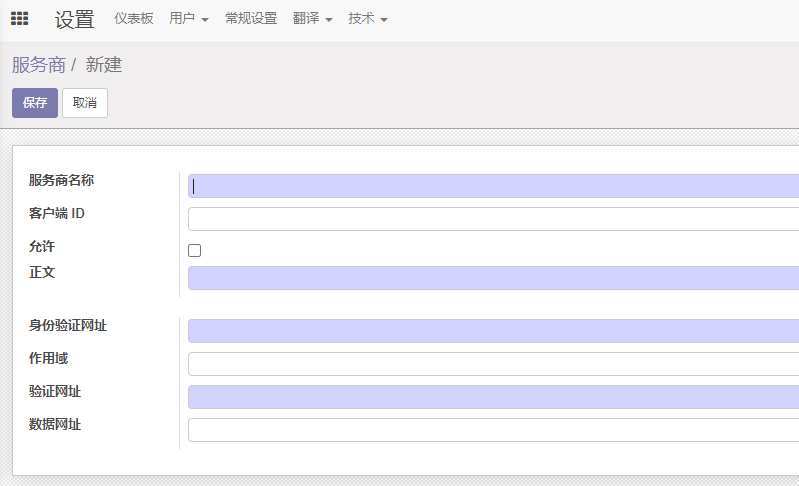
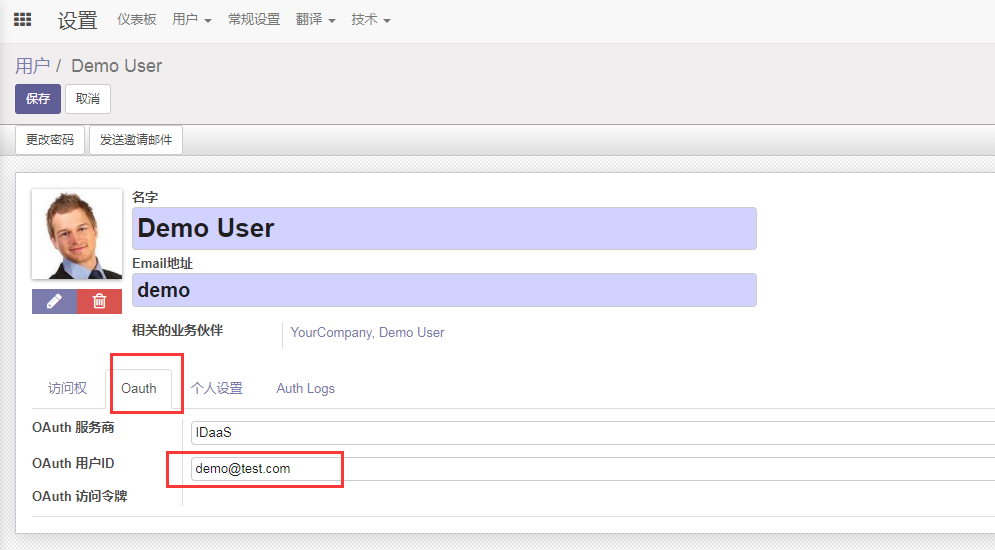
Parameter Description Provider Name Customizable, e.g., IDaaS Client ID The application ClientId from IDaaS Allowed Checked Body Login button name, e.g., BCCastle IDaaS Authentication URL https://your-idaas-tenant-domain.bccastle.com/api/v1/oauth/authorize Scope get_user_info Validation URL https://your-idaas-tenant-domain.bccastle.com/api/v1/oauth/get_user_info Data URL Leave empty Go to the User Management interface and edit the selected user.
OAuth Provider: Select the provider added above.
OAuth User ID: Fill in the value corresponding to the modified ID mapping in the IDaaS application authentication configuration, such as email.
# Login Verification
Scenario 1:
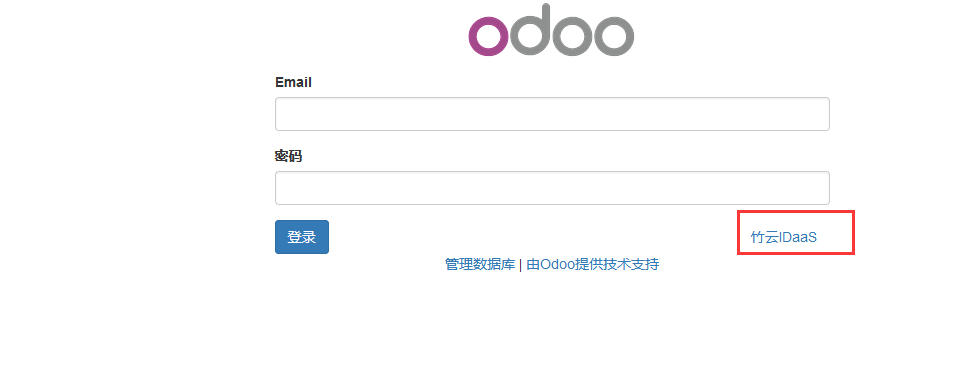
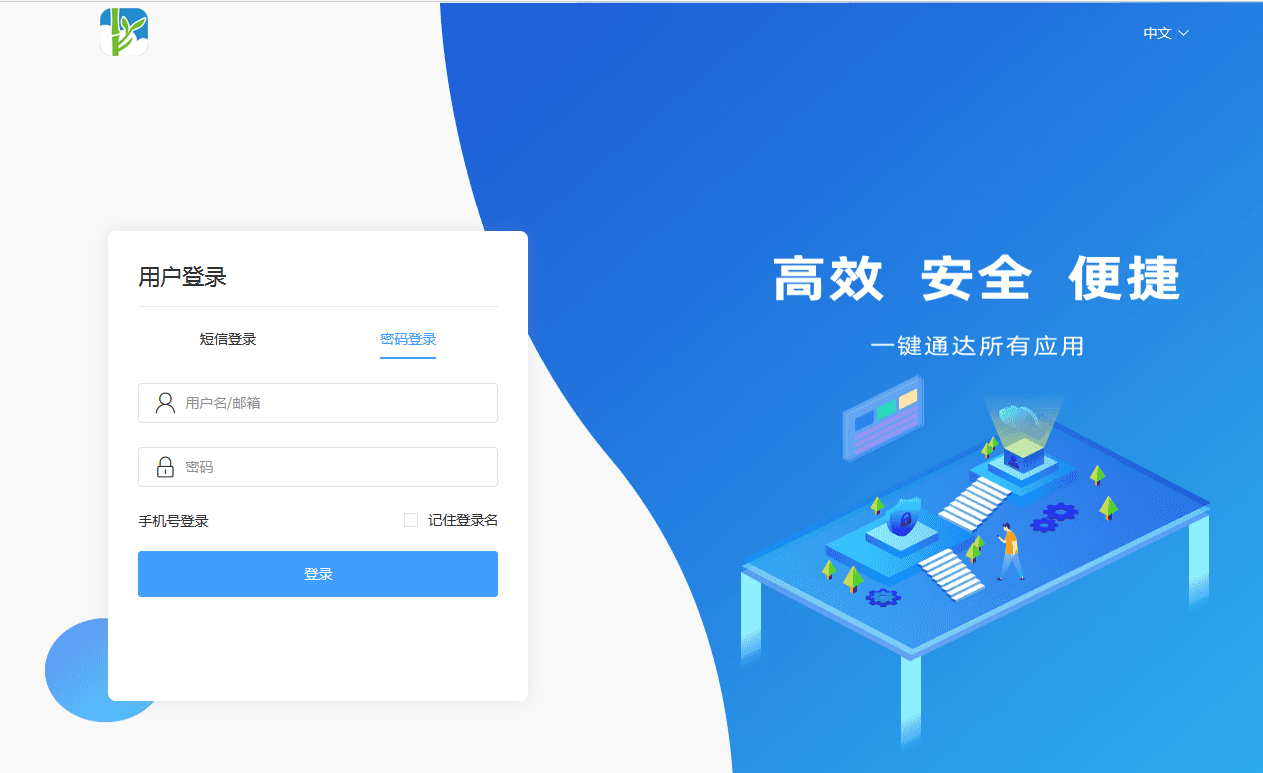
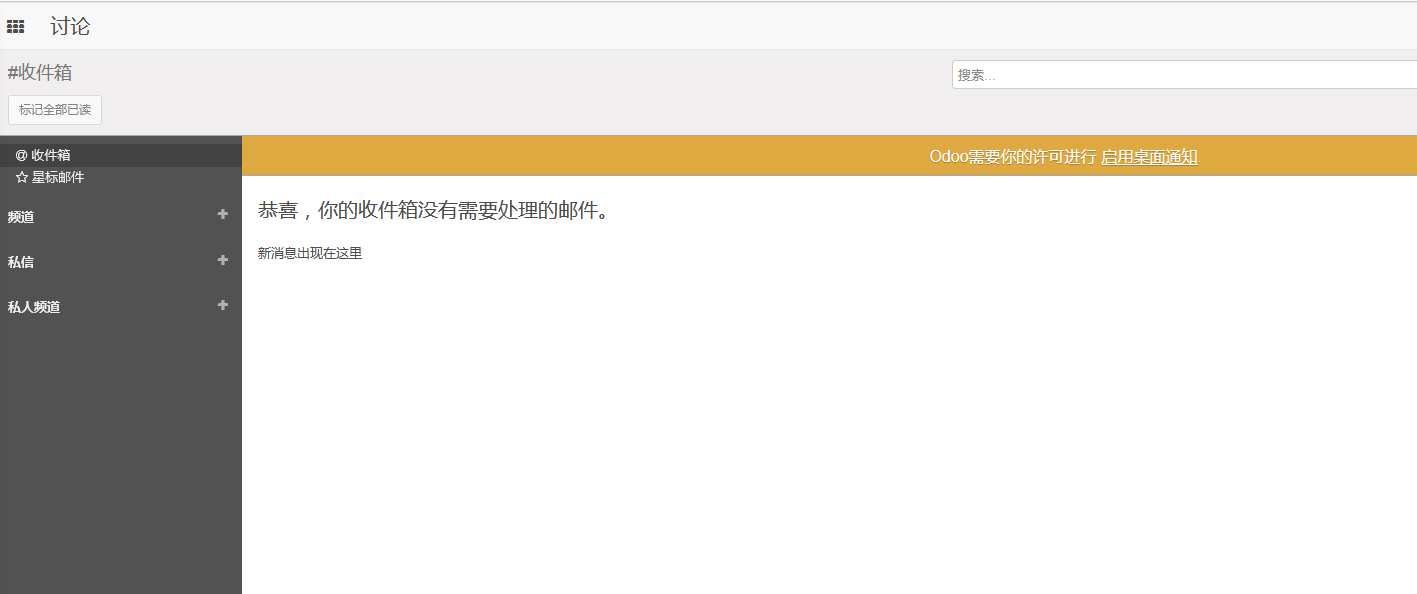
Access Odoo, select "BCCastle IDaaS" to log in. You will be redirected to the IDaaS authentication page. Enter your username and password. After successful authentication, you will enter Odoo.
Scenario 2:
Access the IDaaS User Center, click the Odoo logo to enter Odoo.
This scenario requires additional configuration adjustments.
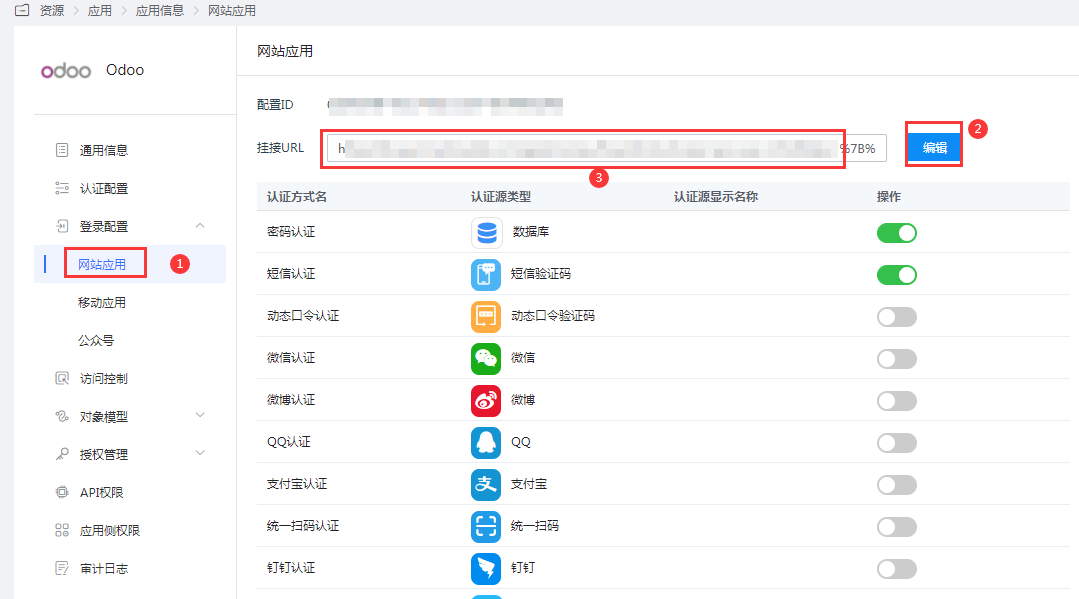
First, on the Odoo login page, right-click on the Zhuyun IDaaS login button and copy the link address.
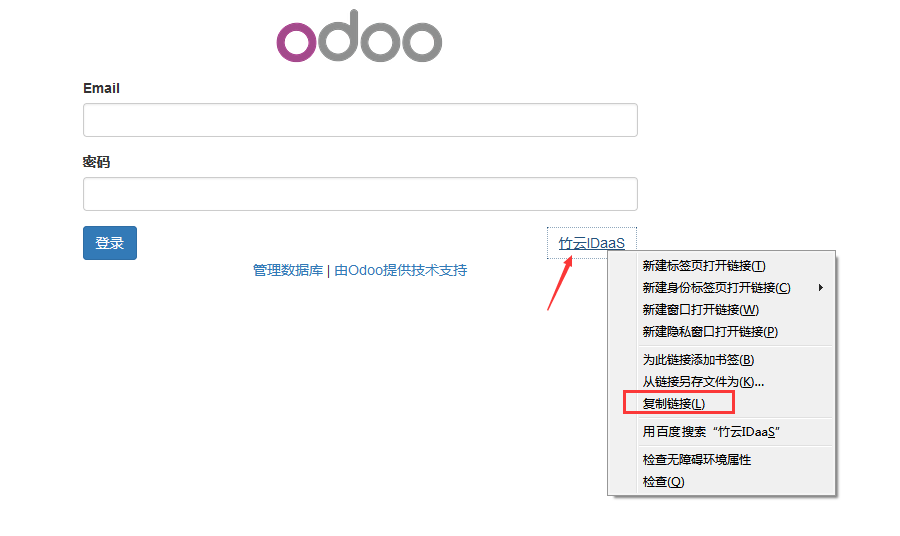
Go to the IDaaS Enterprise Center, Odoo Application Details - Login Configuration, Web Application, edit the Hook URL, replace it with the link address copied above, and save.