Single Sign-On for Moka Intelligent Recruitment Management System
Single Sign-On SSO
# Description
This document describes the CAS Single Sign-On configuration for the Moka Recruitment Management System.
# Authentication Configuration
# Provided by Moka
Obtain the CAS Single Sign-On URL provided by Moka, for example: https://app.mokahr.com/login_by/cas/orgId
# IDaaS Configuration
Add the Moka pre-integrated application.

Fill in the application callback address with the CAS Single Sign-On URL provided by Moka.
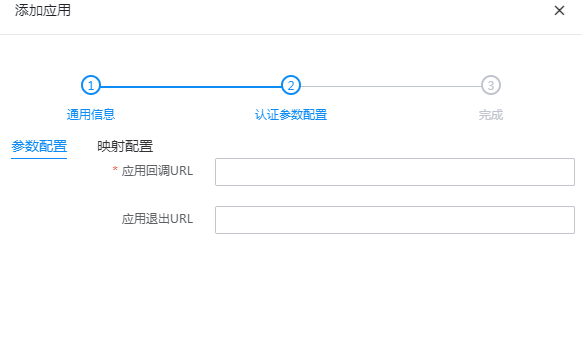
Navigate to Application Details - Authorization Management - Application Accounts, click the Add Account button, and select the authorized user.
Provide the CAS login addresses to Moka.
- CAS Login Address: https://IDaaS Enterprise Tenant Domain/api/v1/cas/login
- CAS User Information Address: https://IDaaS Enterprise Tenant Domain/api/v1/cas/p3/serviceValidate
# Login Verification
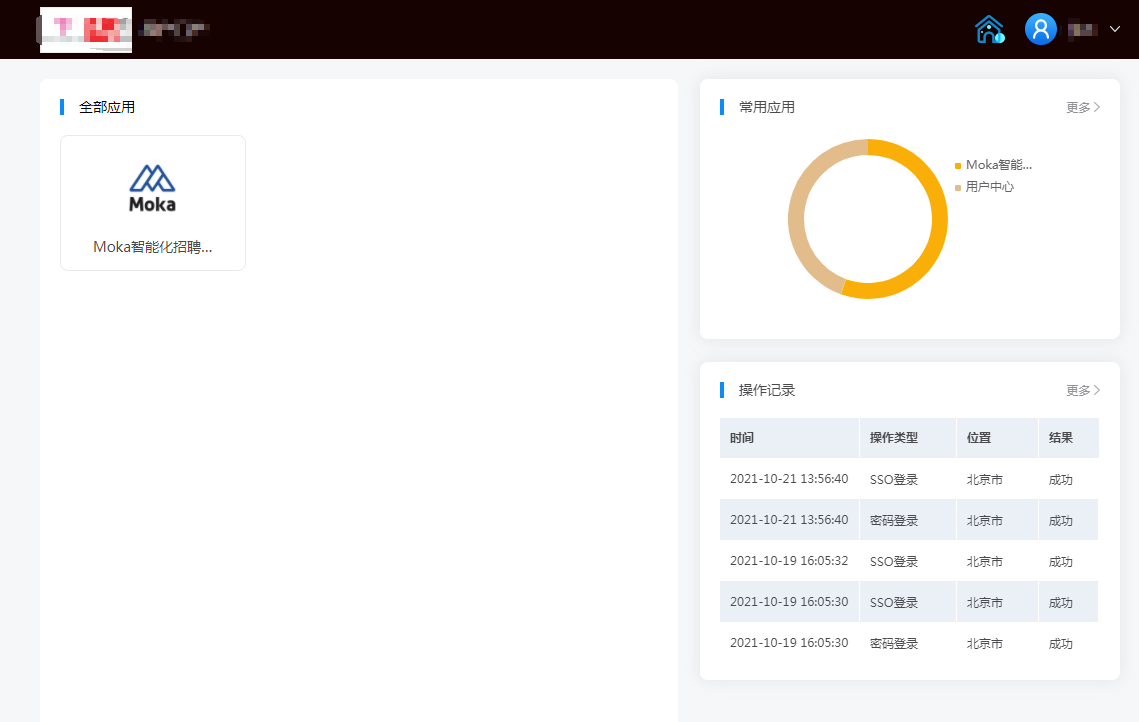
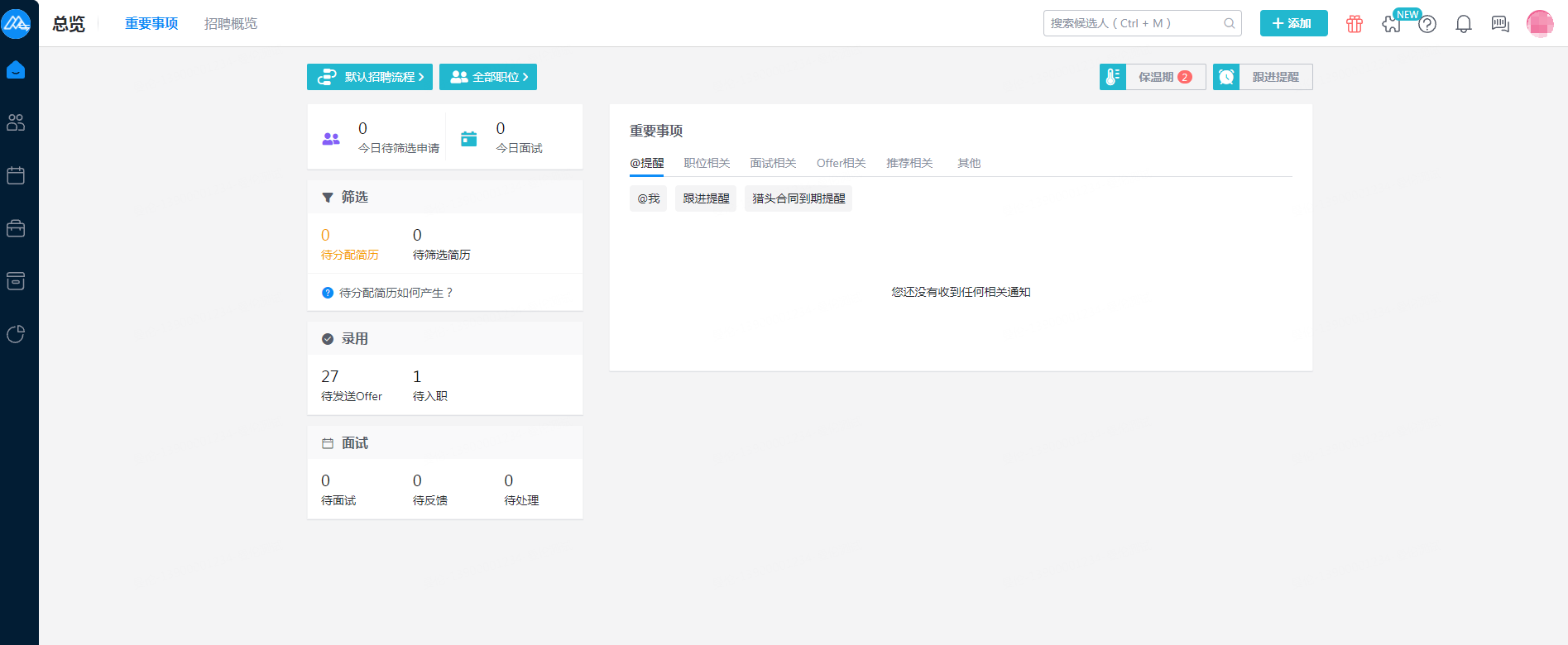
Access the IDaaS User Center, click on the Moka logo to enter Moka.