JumpServer Data Synchronization
# Description
This article explains how to synchronize organization and personnel data from IDaaS to JumpServer, enabling data flow from IDaaS to JumpServer.
# Synchronization Configuration
# JumpServer Configuration
Log in to the JumpServer platform and create an internal AccessKey and SecretKey for enterprise access.
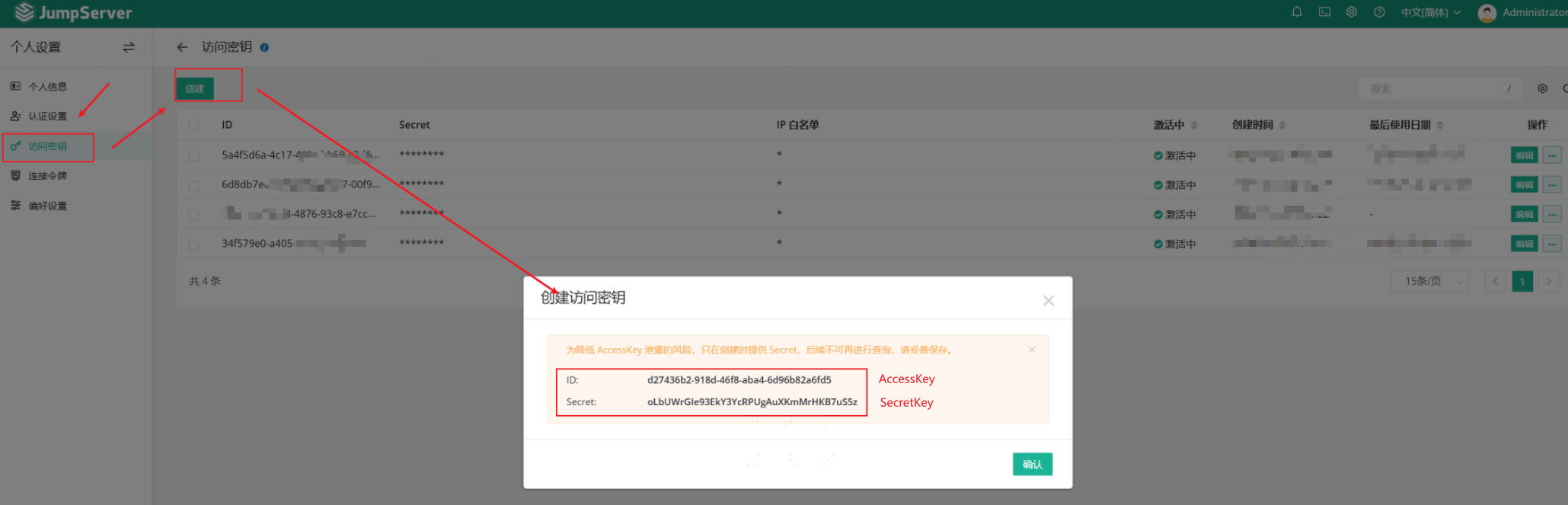
Please edit the key you just generated and configure it by adding the egress IP address of the calling server to the whitelist.
# IDaaS Configuration
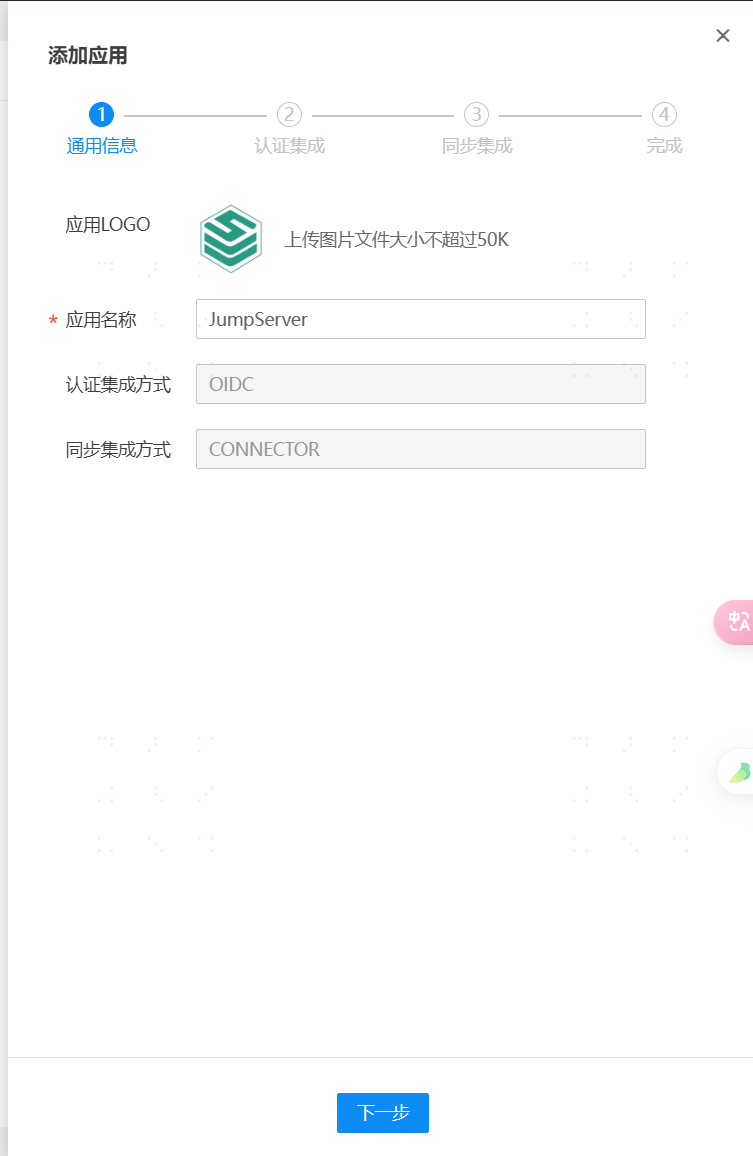
Add the pre-integrated application JumpServer.

Configure synchronization parameters.
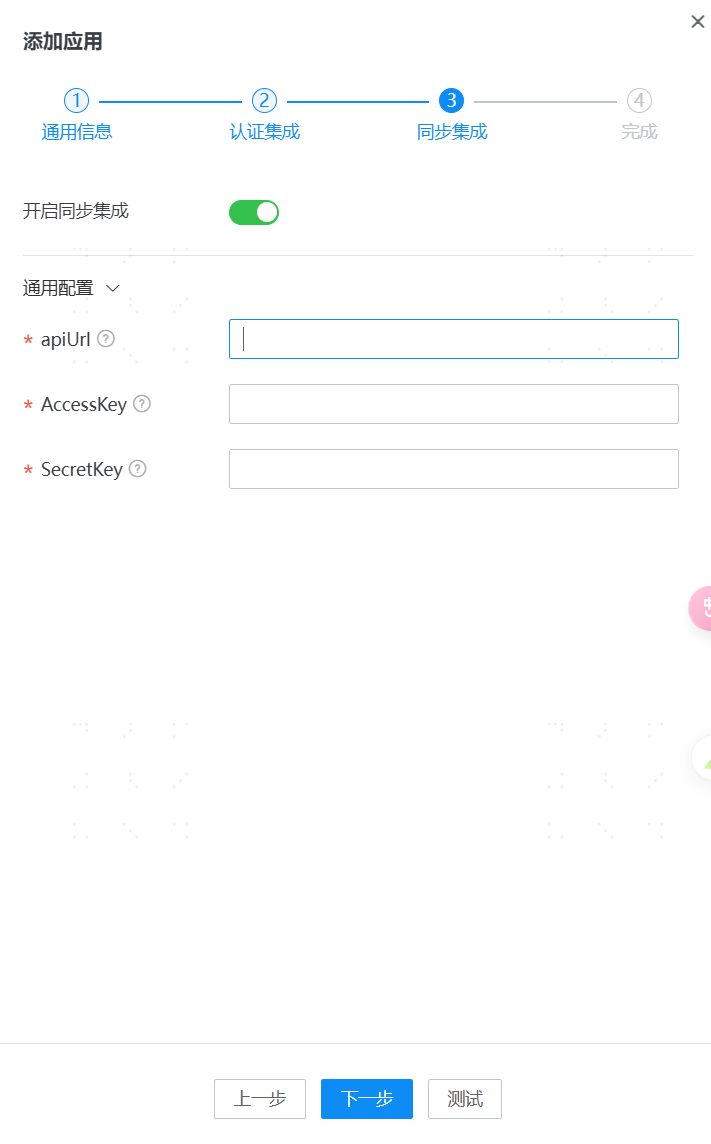
Parameter Description apiUrl JumpServer Service Address AccessKey JumpServer API Access Identity SecretKey JumpServer API Access Secret Key Navigate to Application Details -> Application Organizations -> Authorization Policy, enable automatic organization authorization, select the organization scope, click the Save button, and then click Execute Add.
Navigate to Application Details -> Application Accounts -> Authorization Policy, enable automatic account authorization, select the user scope, click the Save button, and then click Execute Add.
Navigate to Application Details -> Synchronization Events to view the synchronization status.
# View Synchronization Results
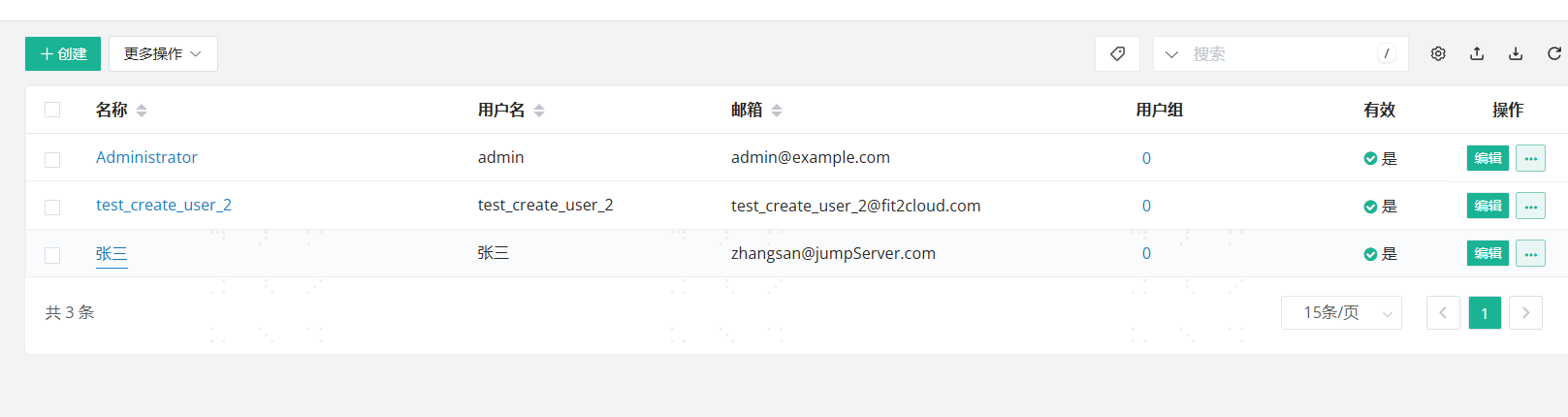
Log in to the DingTalk management backend, go to the Address Book, and view the synchronized organizations and users.