
Kingdee Cloud Starry Sky Data Synchronization
# Description
This document explains how to synchronize organizational and personnel data from IDaaS to Kingdee Cloud Starry Sky, enabling data flow from IDaaS to Kingdee Cloud Starry Sky.
# Prerequisites
- The administrator has access to the IDaaS Enterprise Center.
- Possess a Kingdee Cloud Starry Sky administrator account.
# Synchronization Configuration
# Kingdee Cloud Starry Sky Configuration
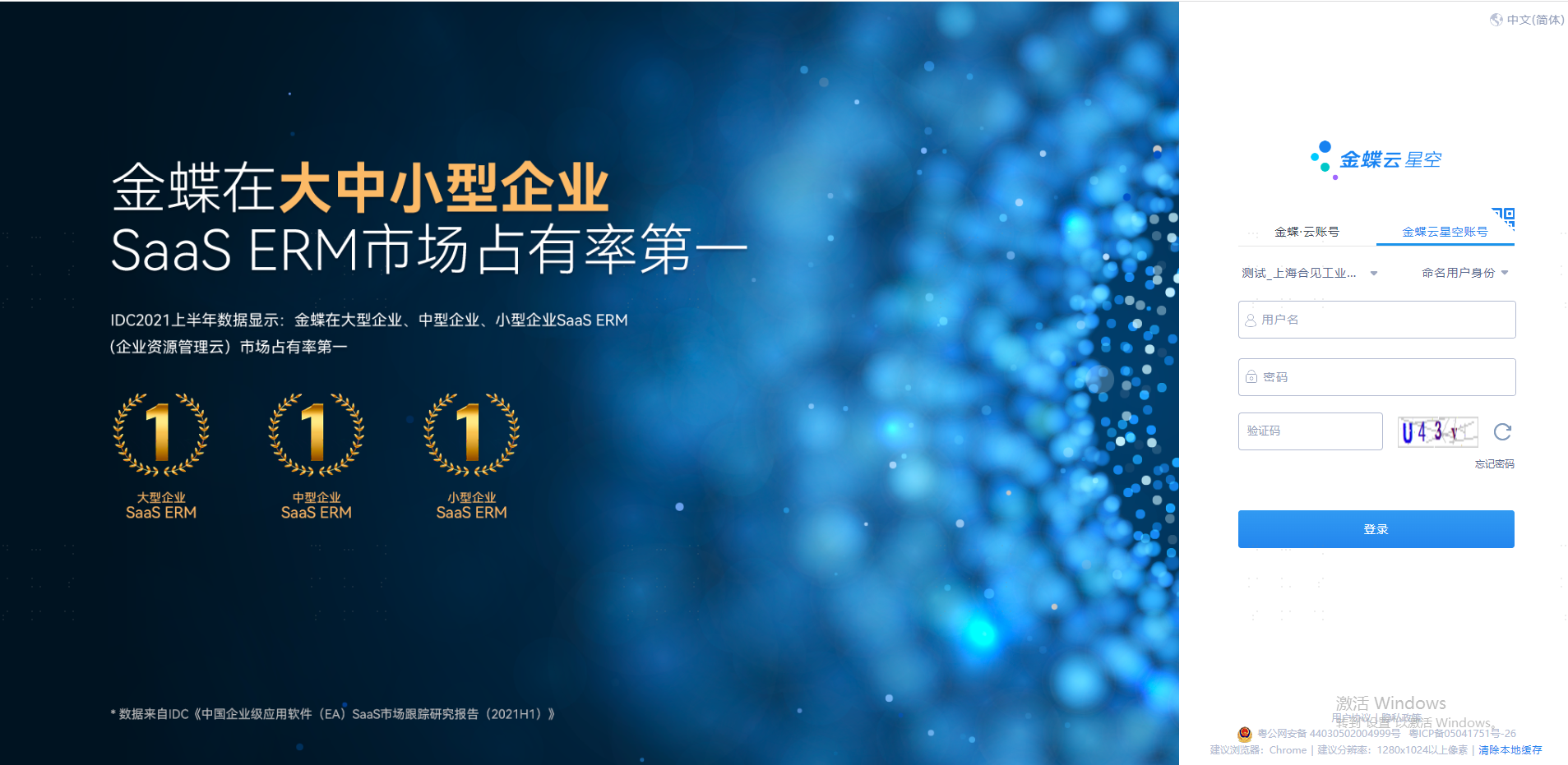
Log in to Kingdee Cloud Starry Sky using an administrator account.
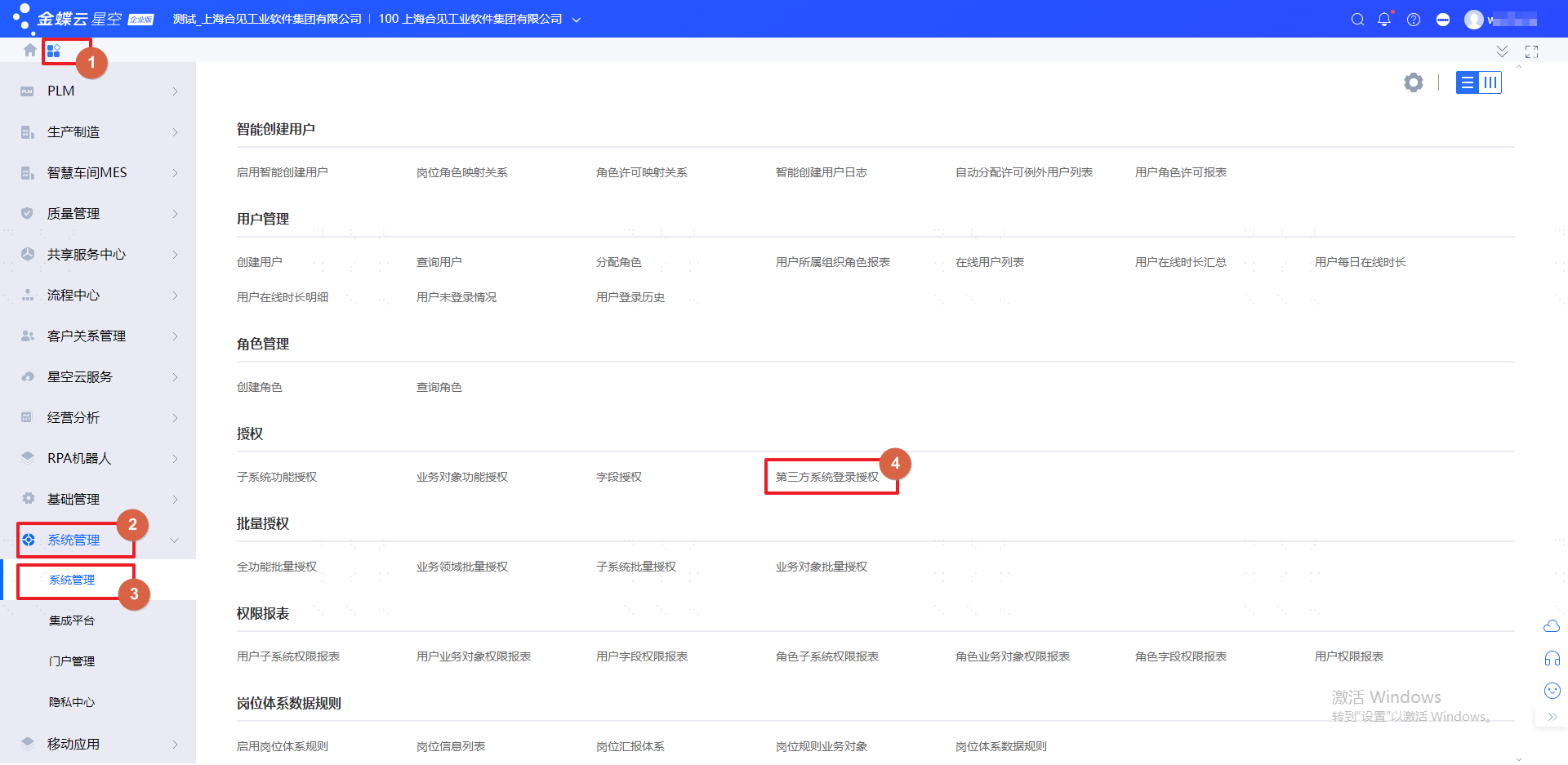
Navigate to 【Management System】 --> 【System Management】 --> 【System Management】--> 【Third-Party System Login Authorization】 to view configuration parameters.
# IDaaS Configuration
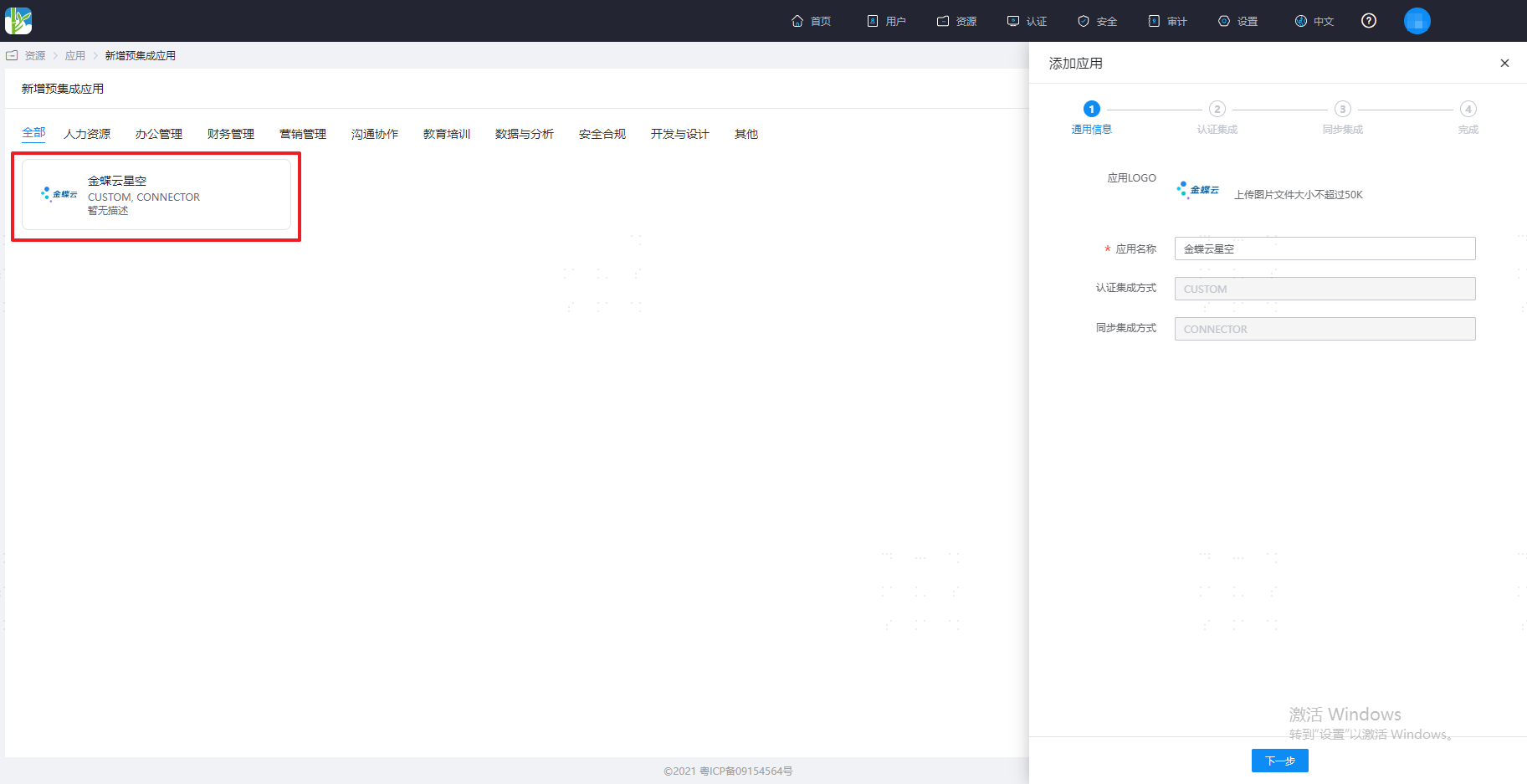
Add the pre-integrated Kingdee Cloud Starry Sky application.
Configure authentication parameters.
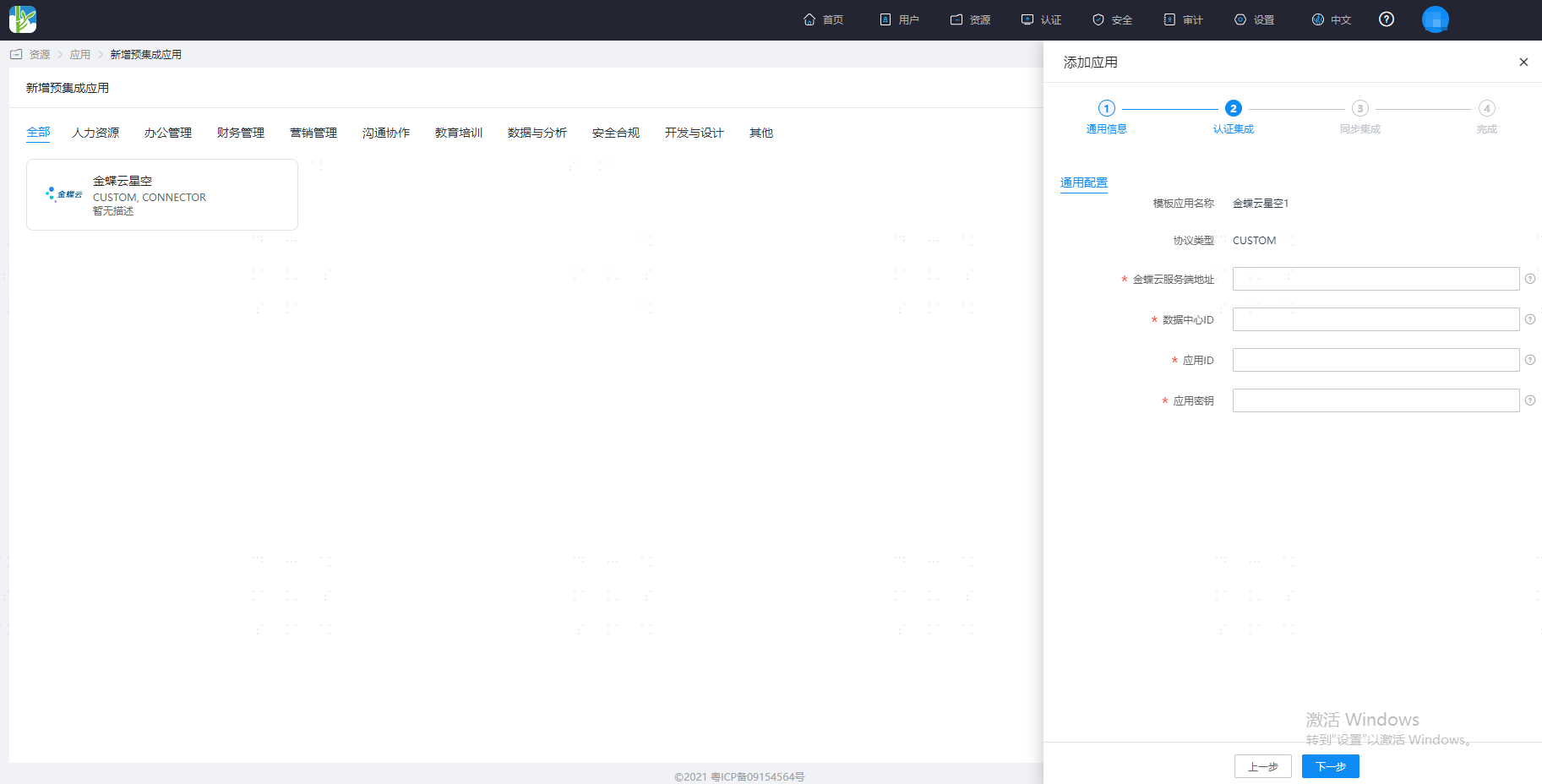
Parameter Description Kingdee Cloud Server Address The address prefix of the Kingdee Cloud Starry Sky application. Data Center ID The Data Center ID configured in Kingdee Cloud Starry Sky for the IDaaS application. Application ID The Application ID configured in Kingdee Cloud Starry Sky for the IDaaS application. Application Secret The Application Secret configured in Kingdee Cloud Starry Sky for the IDaaS application. Configure synchronization parameters.

Parameter Description Kingdee Cloud Server Address The address prefix of the Kingdee Cloud Starry Sky application. Data Center ID The Data Center ID configured in Kingdee Cloud Starry Sky for the IDaaS application. Application ID The Application ID configured in Kingdee Cloud Starry Sky for the IDaaS application. Username The username of the integration user configured in Kingdee Cloud Starry Sky for the IDaaS application. Password The secondary secret parameter configured in Kingdee Cloud Starry Sky for the IDaaS application. Application Secret The Application Secret configured in Kingdee Cloud Starry Sky for the IDaaS application. After configuration is complete, click Test. Once the test is successful, save the application.

# Common Issues
When synchronizing users to Kingdee Cloud Starry Sky, an error like "xxxx" using business document: "User" business operation - "User-xxx-Modify" conflict indicates that the downstream is currently editing the object. Simply retry later.
# Reference Links
Refer to the documentation Kingdee Cloud Starry Sky Open Platform (opens new window).