
Fxiaoke CRM Data Synchronization
# Description
This document describes the configuration process for data synchronization between the Fxiaoke CRM system and IDaas.
# Prerequisites
- Have administrative permissions for the Fxiaoke CRM system backend.
- Have access permissions to the IDaas Enterprise Center.
# Synchronization Configuration
# Fxiaoke Configuration
The Fxiaoke configuration is consistent with the content in Fxiaoke CRM Single Sign-On.
# IDaaS Configuration
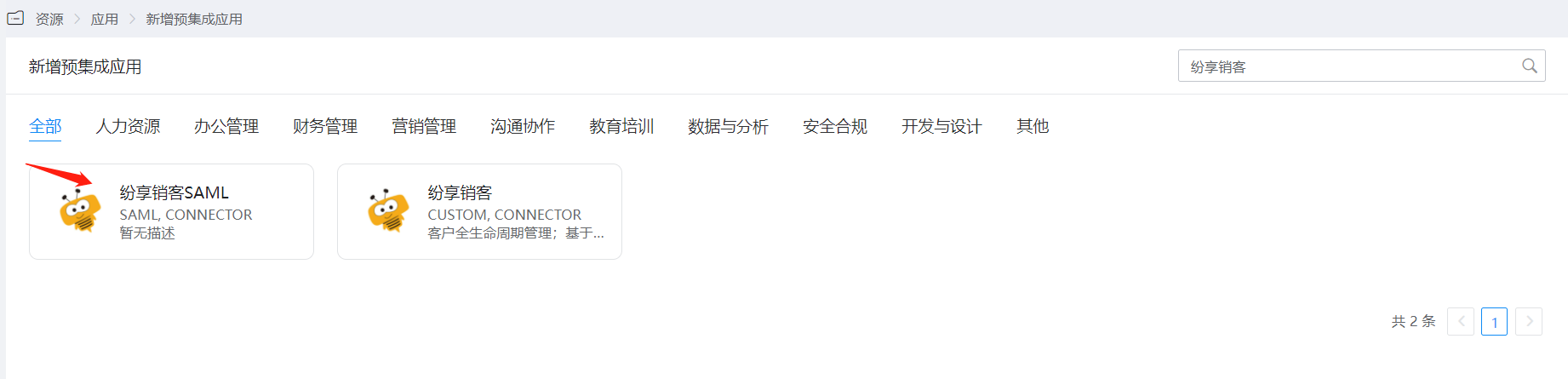
In the navigation bar under 【Resources】-【Pre-integrated Applications】, click to add Fxiaoke.
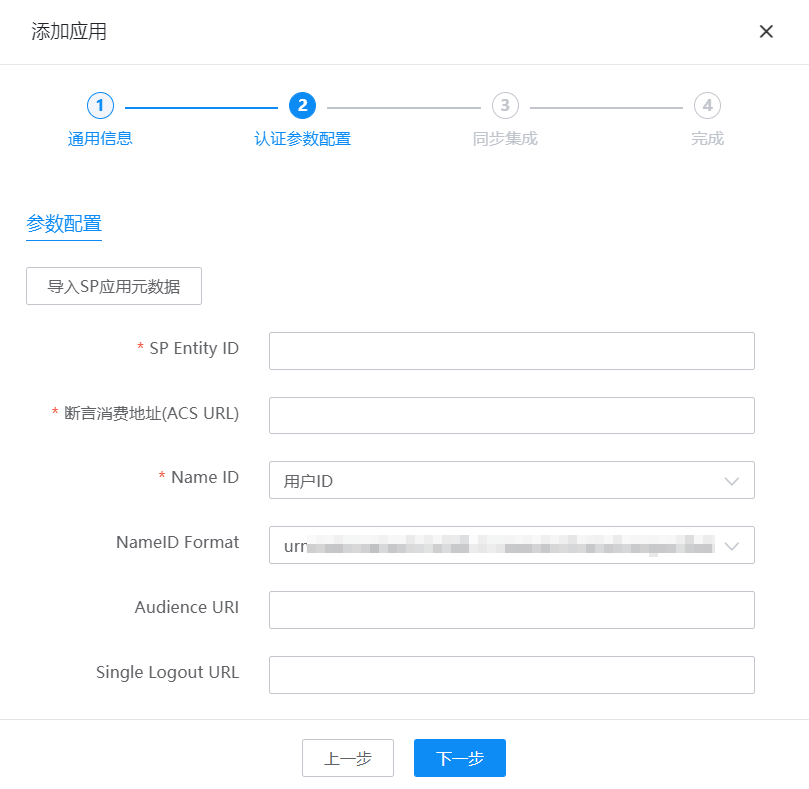
Upload Fxiaoke metadata and configure authentication parameters.
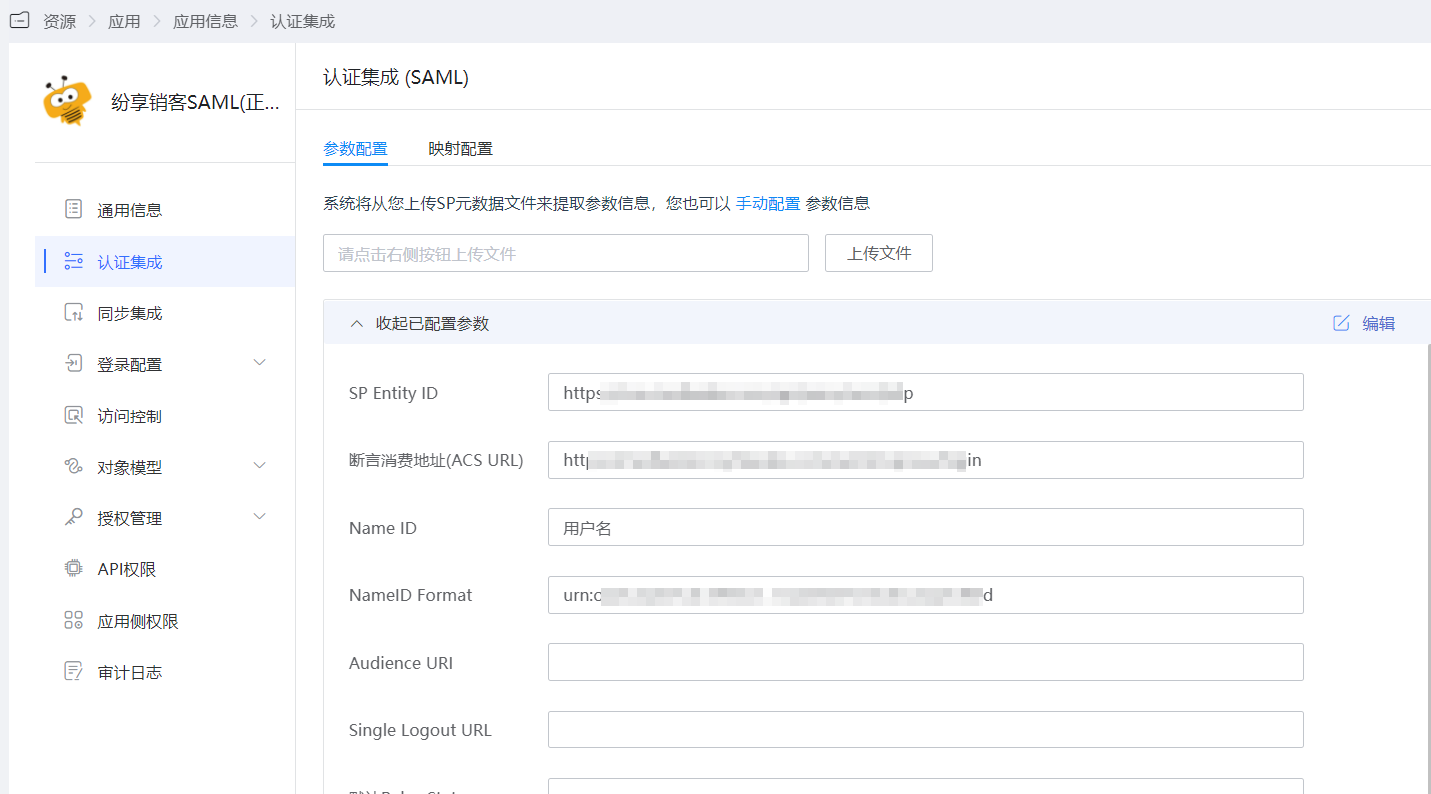
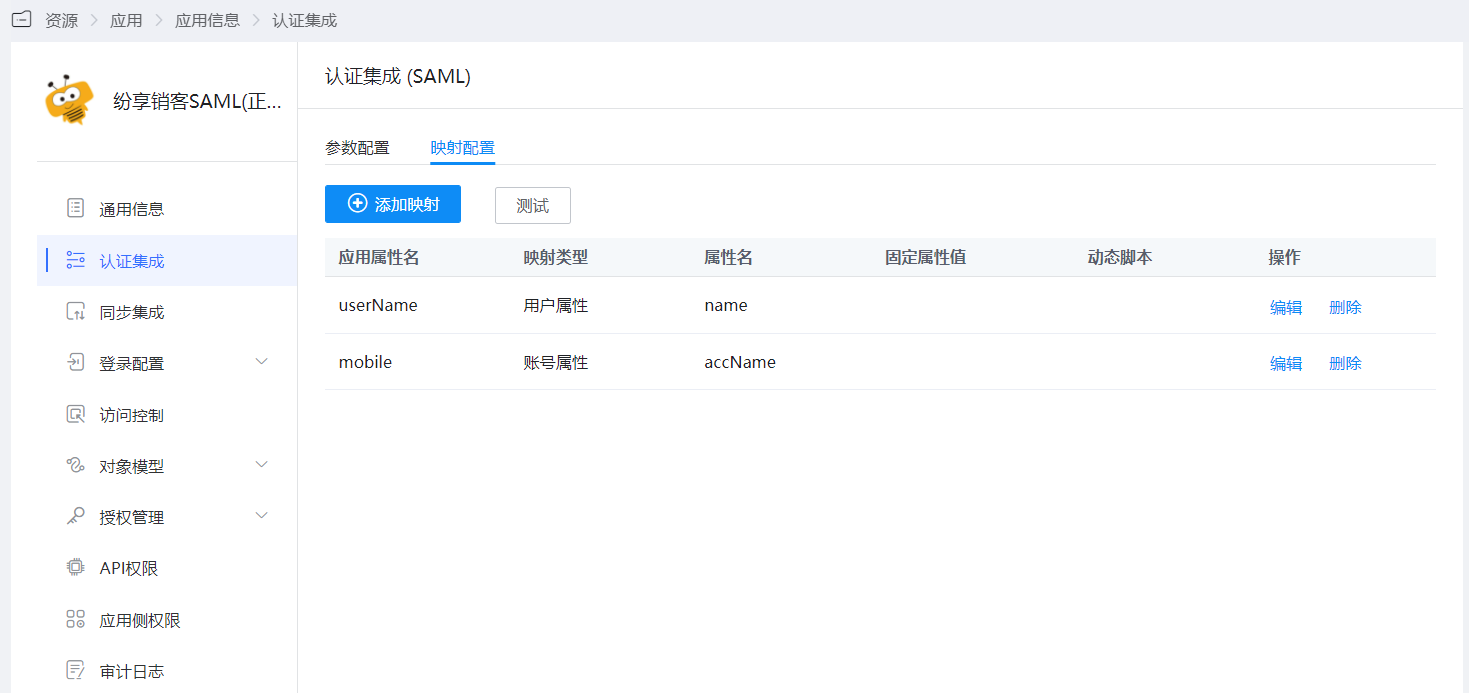
After the application is saved, enter the application details to configure the mapping settings within the authentication configuration.
Click Next to configure synchronization parameters and save.
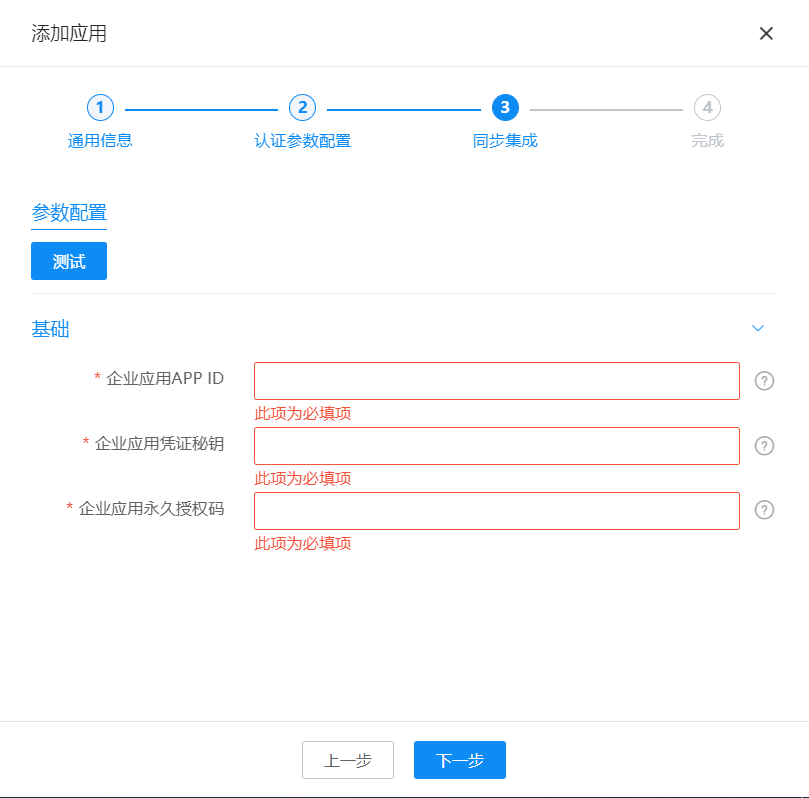
Parameter Description Enterprise Application APP ID Obtain by enabling developer mode for the Fxiaoke enterprise application Enterprise Application Credential Secret Obtain by enabling developer mode for the Fxiaoke enterprise application Enterprise Application Permanent Authorization Code Obtain by enabling developer mode for the Fxiaoke enterprise application Enter the application details, switch the tab to 【Application Accounts】, click 【Add Account】, select the users to be synchronized. Synchronized data can be seen in the 【Synchronization Events】.

View user synchronization records in the synchronization events.
