
Weaver eteams Single Sign-On
Single Sign-On SSO
# Description
This document describes the configuration process for single sign-on with eteams OA.
# Prerequisites
Have administrator account permissions for the eteams open platform.
# eteams Configuration
- Log in to the eteams Open Platform (opens new window) using the eteams system administrator account.
- After logging into the open platform, confirm whether the logged-in team is the one that needs to be integrated. If it is not the required team, click 【Switch】 to change teams. If the account is in an unverified state after login, please first edit and complete the information to pass verification before integrating the team.
- After developer profile verification, the Corpid will be displayed, which will be used for subsequent API calls. Create the required application and wait for it to be approved. Approved applications will display app_key and app_security, which will be used for subsequent API calls.
- For the complete eteams process, please refer to the eteams Integration Documentation (opens new window).
# IDaaS Configuration
Add the pre-integrated application Weaver eteams.
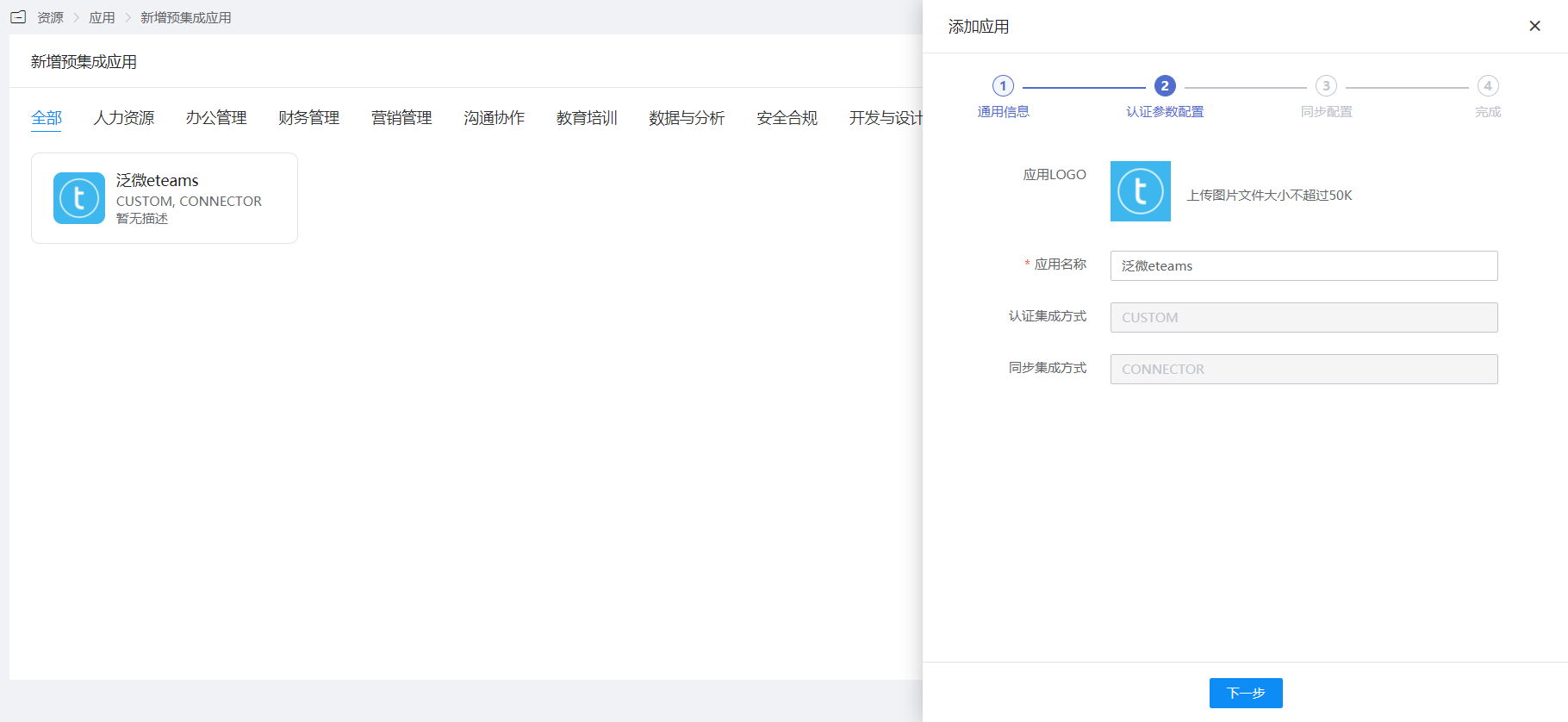
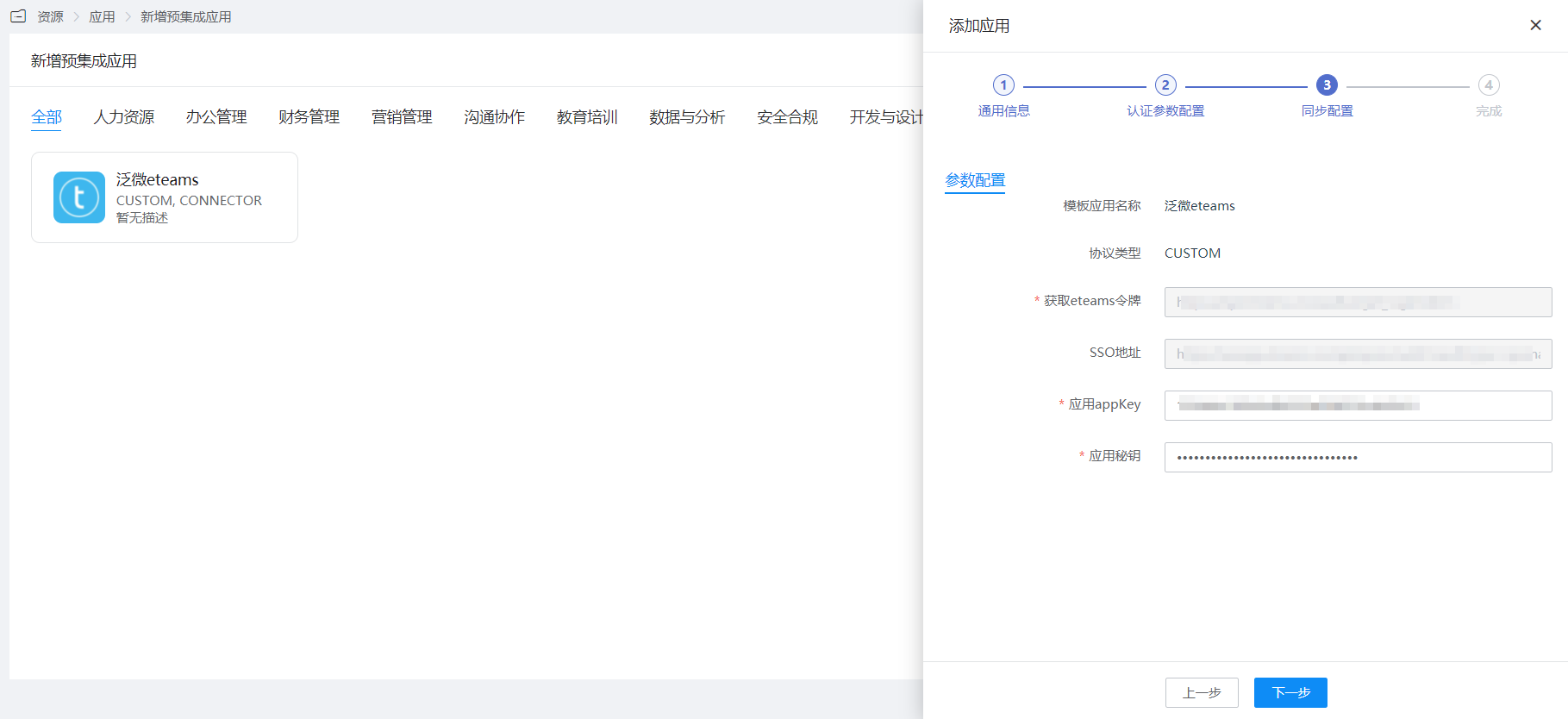
Configure authentication parameters.
# Login Verification
Access the IDaaS User Center, click on the eteams logo to enter eteams.