
AD Data Synchronization
# Description
This document introduces the AD and IDaaS synchronization configuration to achieve the synchronization of IDaaS organization and user data to the AD system.
# Prerequisites
- Possess access permissions to the IDaaS Enterprise Center.
# IDaaS Configuration
Log in to the Enterprise Center and add the AD pre-integrated application.
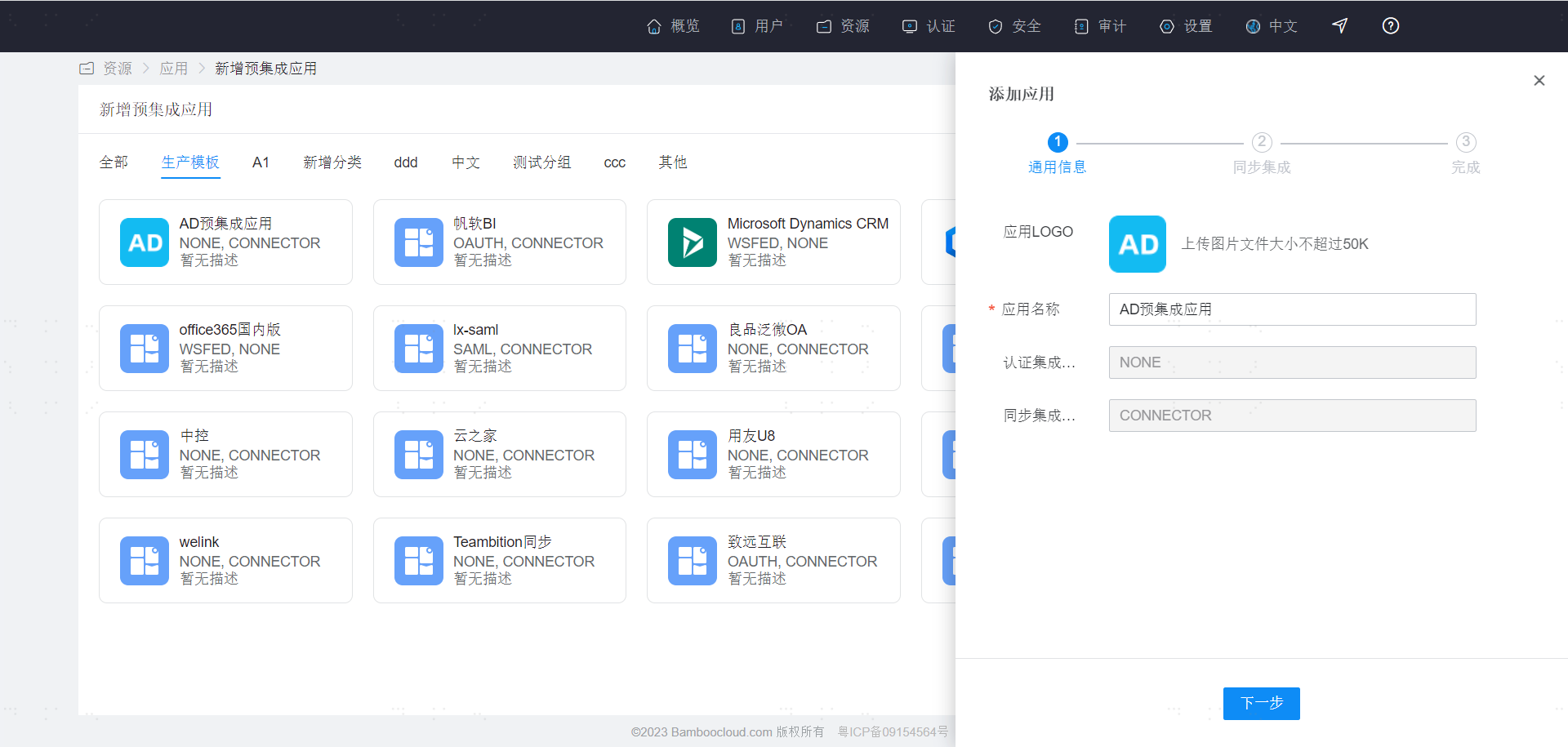
Then proceed to the synchronization configuration page.
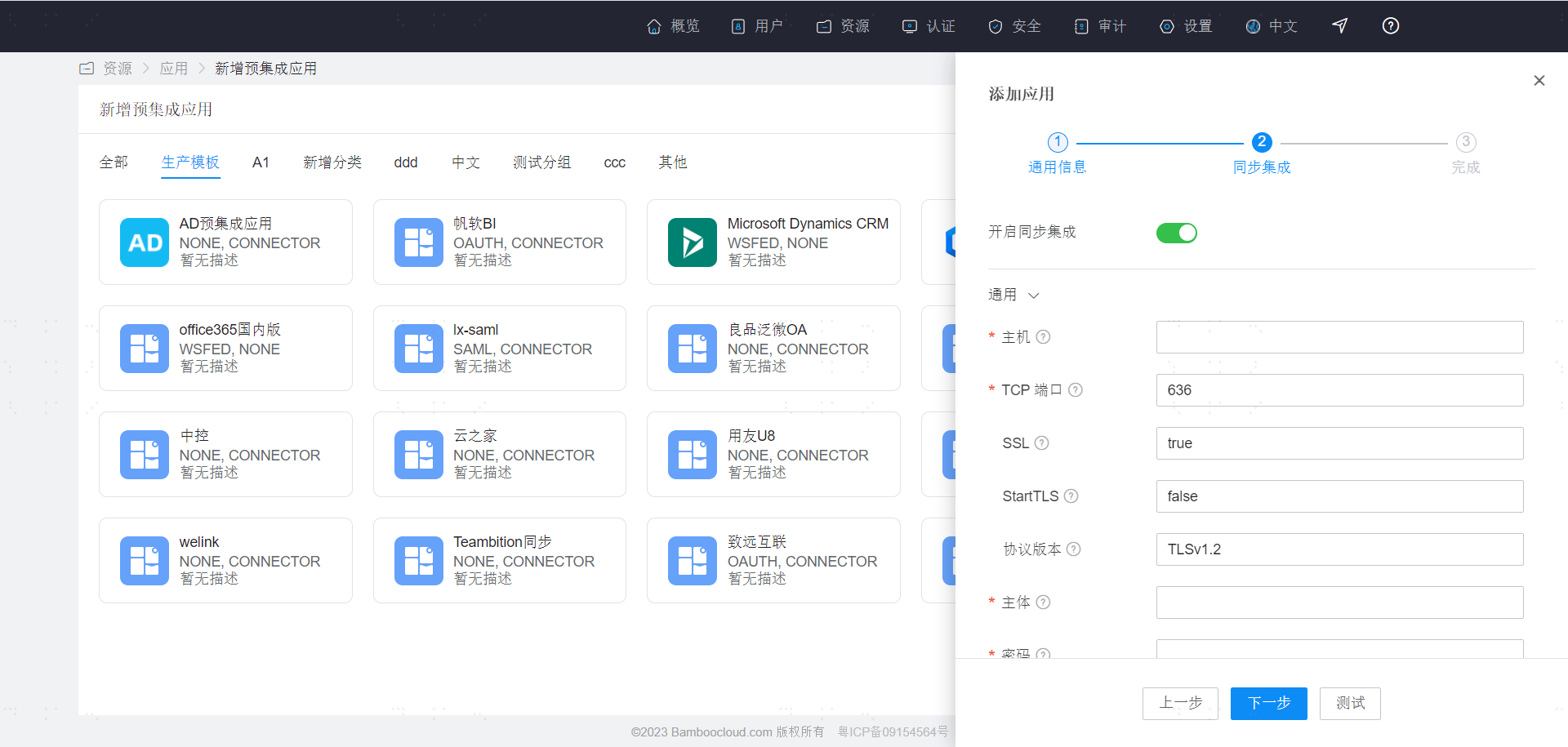
| Parameter | Description |
|---|---|
| Host | The hostname or IP address of the AD server. |
| TCP Port | The TCP/IP port number used for communication with the AD server. |
| SSL | Whether to use SSL to connect to the AD server (true: use SSL, false: do not use SSL). |
| StartTLS | Whether to enable StartTLS for encrypted communication. (true: enable StartTLS, and SSL cannot be set to true; false: do not enable StartTLS). |
| Protocol Version | Default is TLSv1.2. It is recommended to use TLSv1.3 or TLSv1.2 (SSL and TLSv1.0 can be used for compatibility). |
| Principal | The distinguished name used for AD server authentication. |
| Password | The password for the principal. |
| Base Context | One or more starting points within the AD tree that will be used when searching the tree. Used when searching for users from the AD server or determining which group a user belongs to. |
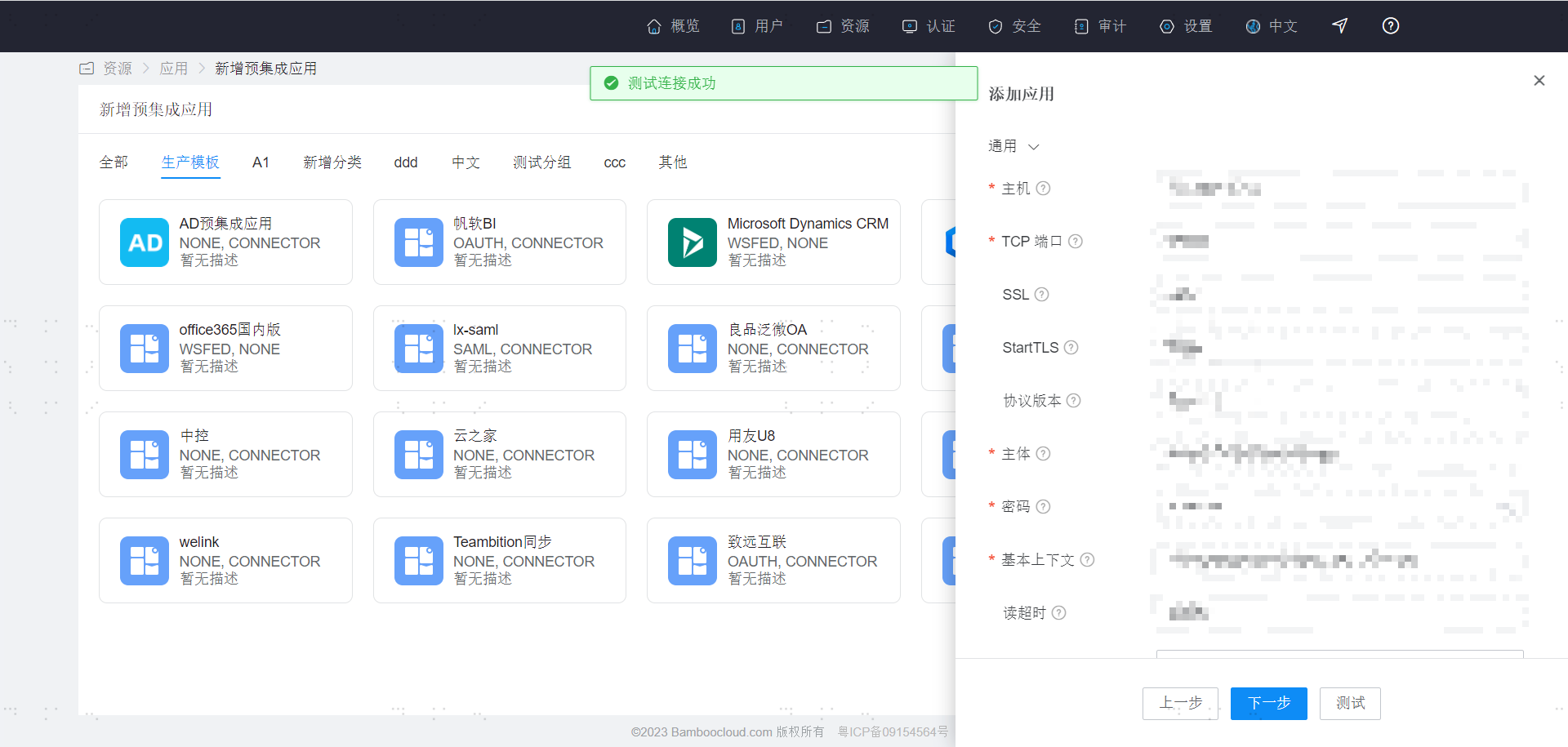
After configuration, click Test. If no errors, click Next to create the application.
# Notes
# Special Characters
Attributes containing special characters will be escaped in display after being synchronized downstream. For example, if the special character "+" is synchronized downstream, the downstream attribute may display as "\+".
Please note that this escaping operation only causes the escape character "\" to appear in the display and does not change the actual attribute value. Therefore, it does not affect the data synchronization functionality.
Currently, the special characters that will be escaped in display after review and statistics are as follows:
| Before Escape | After Escape |
|---|---|
| + | \+ |
| ; | \; |
| , | \, |
| \ | \\ |
As shown in the figure:
