On-the-Go Business Travel Single Sign-On
# Description
This article introduces the single sign-on configuration for the IDaaS On-the-Go Business Travel application.
# Prerequisites
Coordinate with the On-the-Go Business Travel system to obtain the client_id and client_secret.
Confirm the format of the employee ID (empCode).
# Authentication Configuration
# IDaaS Configuration
Log in to the Enterprise Center and add the pre-integrated On-the-Go Business Travel application.
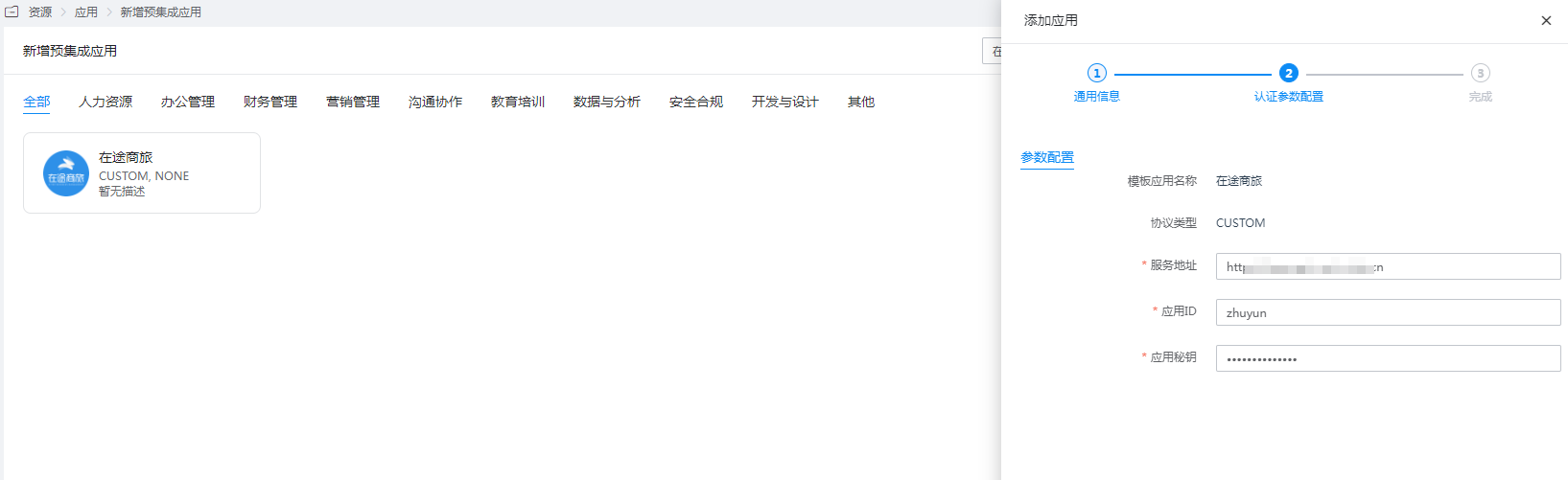
Configure authentication parameters.
Service Address: Default is https://openapi-uat.z-trip.cn
Application ID: client_id
Application Secret: client_secret
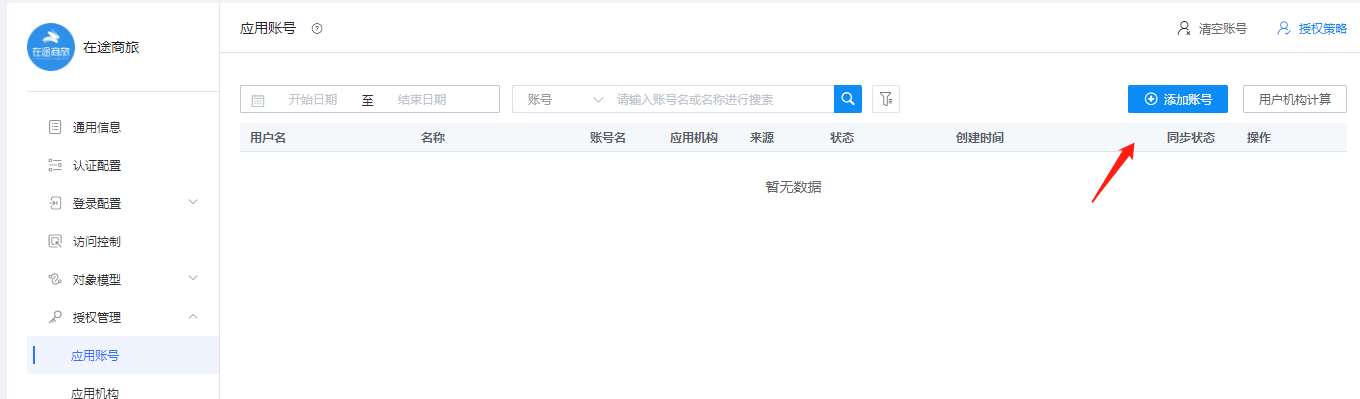
Go to Application Details - Authorization Management - Application Accounts, add an account, and set the account name to the employee ID within On-the-Go.
# Login Verification
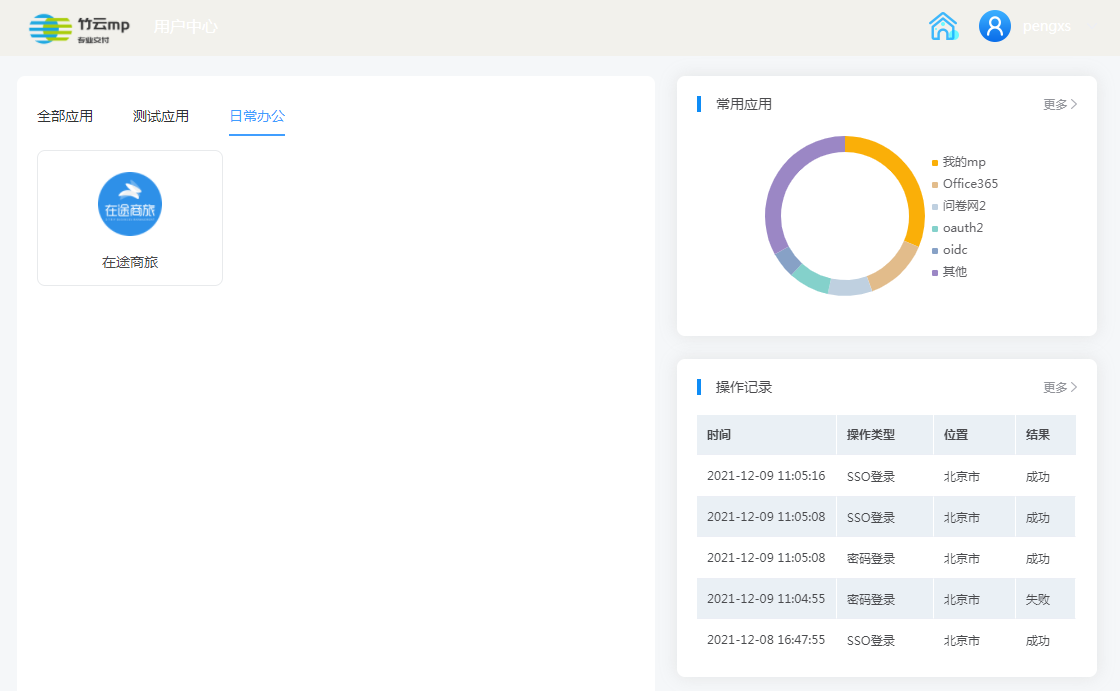
Authorized users log in to the User Center, click the On-the-Go Business Travel logo to perform single sign-on.